
Make Des yoursIn Ask Des
In Ask Des
Set the tone
The gear at the top of Ask Des sets the nickname, the tone and the bluntness. Or say “stop telling me that” in the chat.
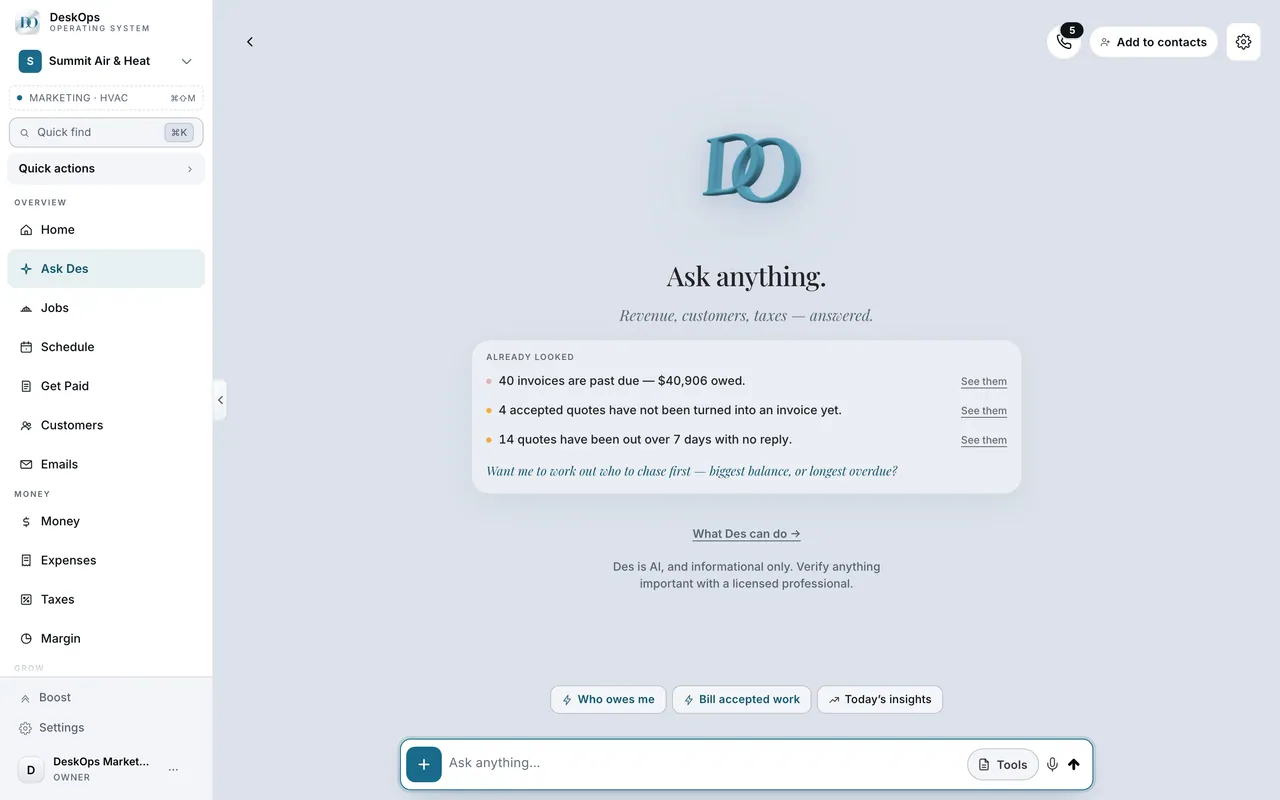 Example screen
Start here · On a computer
- 1Ask Des
the gear icon in the top right of the page opens the AI Settings popover — nickname, tone from formal to casual, and bluntness from encouraging to sharp. /assistant?openAiSettings=1 opens it directly.
On your phone: the same gear in the Ask Des header, and Settings → AI advisor & voice carries the voice side.
Worth knowingTurn bluntness up; you are paying for a straight answer.
In Settings › Knowledge base
Give Des your own documents
The Knowledge base takes your price book and terms so Des answers from them. It accepts .md or .txt files up to 4 MB, so a PDF has to be saved as text first.
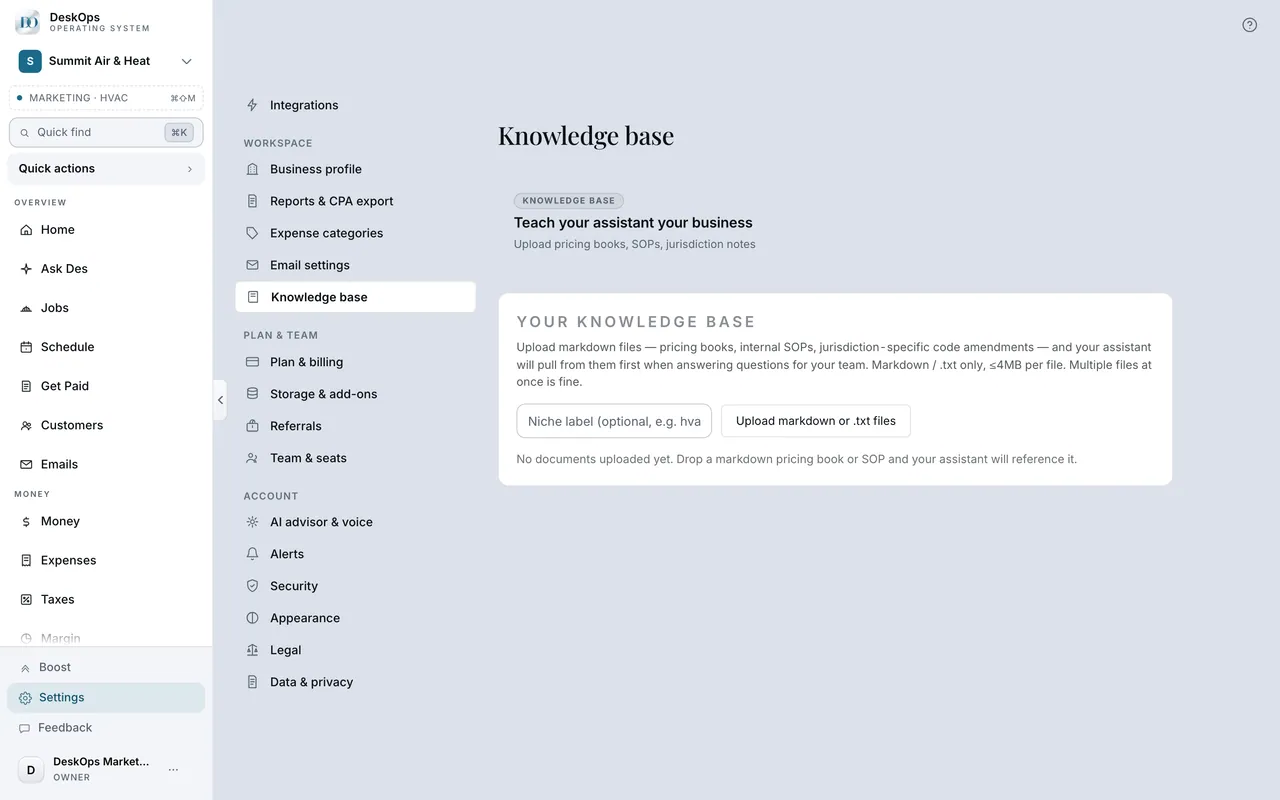 Example screen
Start here · On a computer
- 1Settings
- 2Knowledge base
A PDF attached in the chat is read for that conversation; the Knowledge base is what Des remembers every time.
In Boost
What Des costs
Nothing extra for normal use. Your plan includes assists every month, and DeskOps warns you at 80% before anything changes.
Start here · On a computer
- 1Boost
- 2Plan shows assists used this month
On your phone: Boost → Plan.
Ready to do this with your own business?
Upload three things as text: your price sheet, your warranty, the scope you use most.