
What each job really earnedIn Your money
In Your money
Read margin by job and by type
Jobs shows the board, margin by job type, your pricing and materials. By type answers whether a kind of work is worth doing.
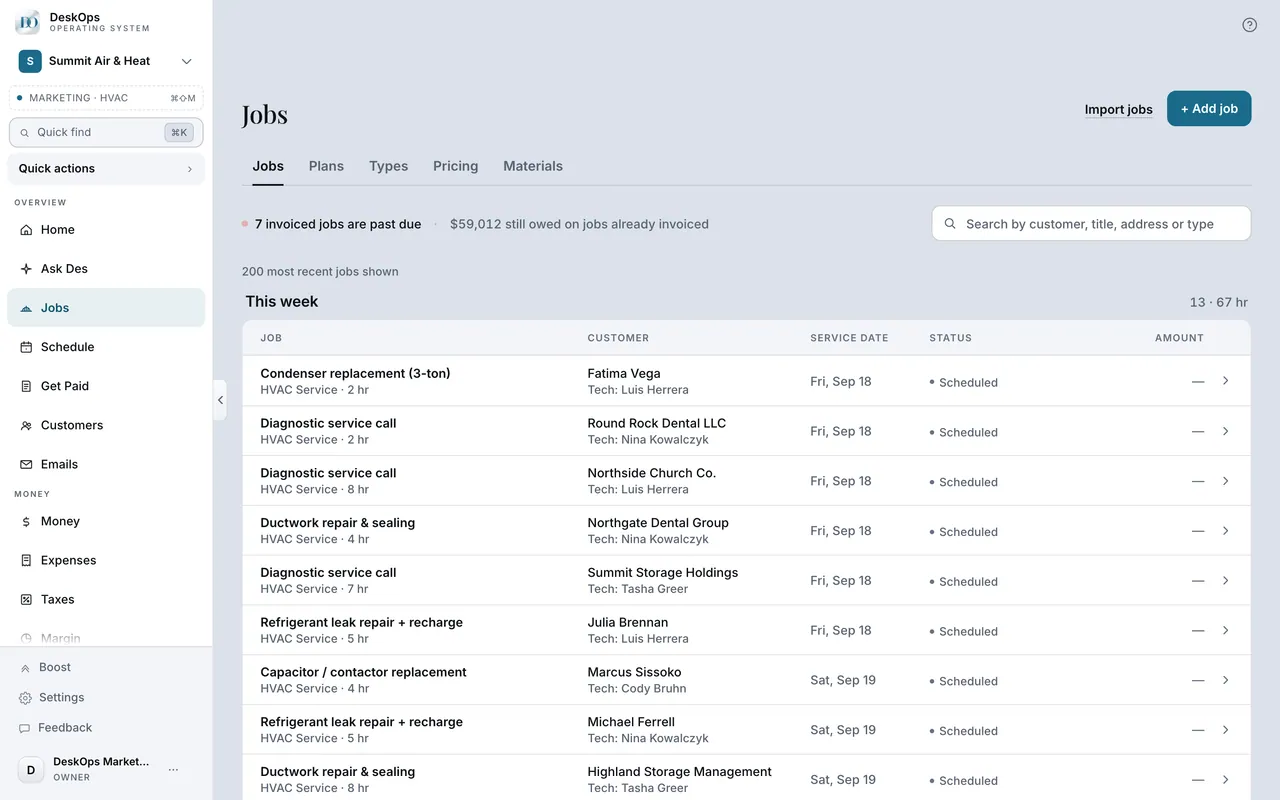 Example screen
Where it is · On a computer
Jobs in the sidebar under Overview (owner-only). It holds the jobs board, margin by job type, your pricing and materials.
On your phone: Jobs in the Menu tab.
In Your money
When margin looks wrong
Usually the costs live in a source that is not connected, or expenses sit in a category that does not count as a job cost. Check both before doubting the number.
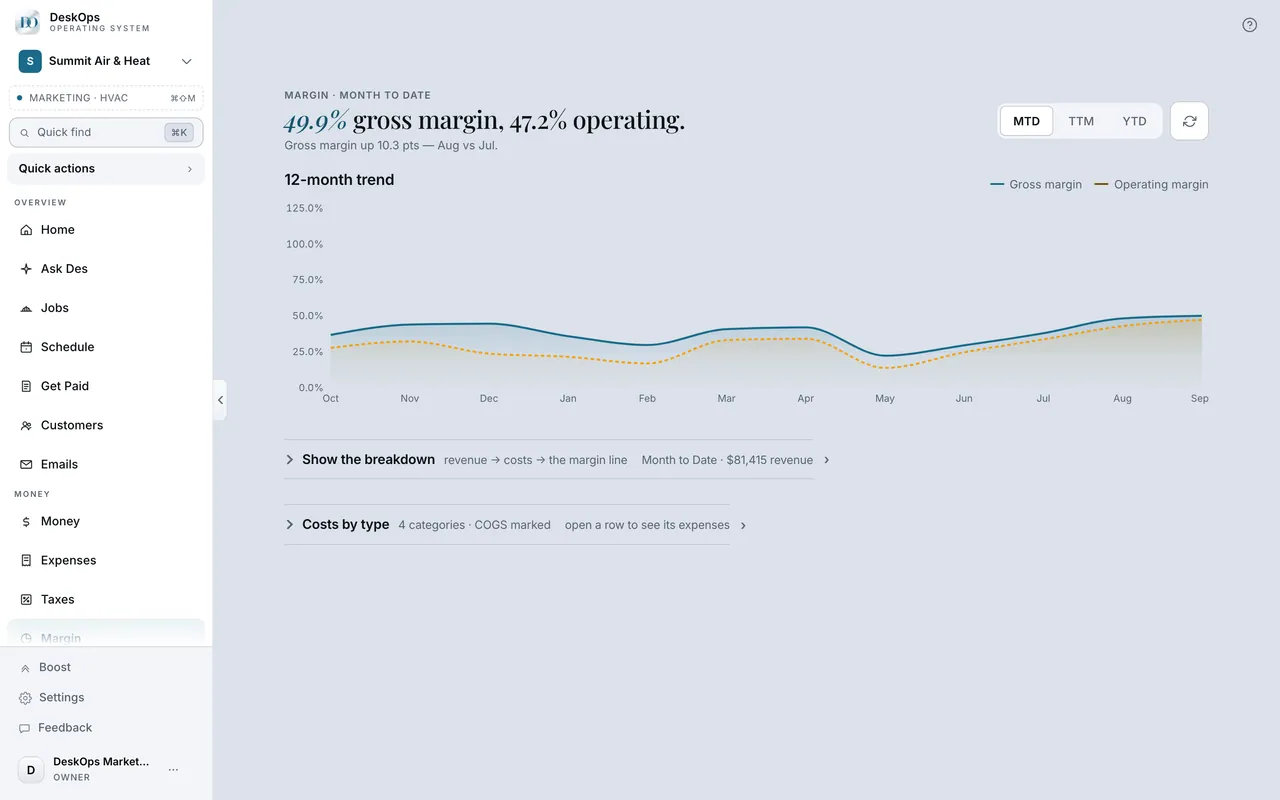 Example screen
Where it is · On a computer
Margin under Money shows it, and Expenses is where the fix usually is.
On your phone: Margin in the Menu tab.
In Your money
The Margin page
Margin under Money needs money in and costs out. It does not print a percentage until it has both.
Example screenWhere it is · On a computer
Margin in the sidebar under Money (the URL is /margin). Expenses lives right above it.
On your phone: Margin in the Menu tab under the same group.
Want to look at your own?
Give it a month of receipts before you judge the number.