
See everything you have spentIn Your money
In Your money
Every dollar out, in one list
Expenses lists every dollar out from your bank, your books and your own entries, grouped by category.
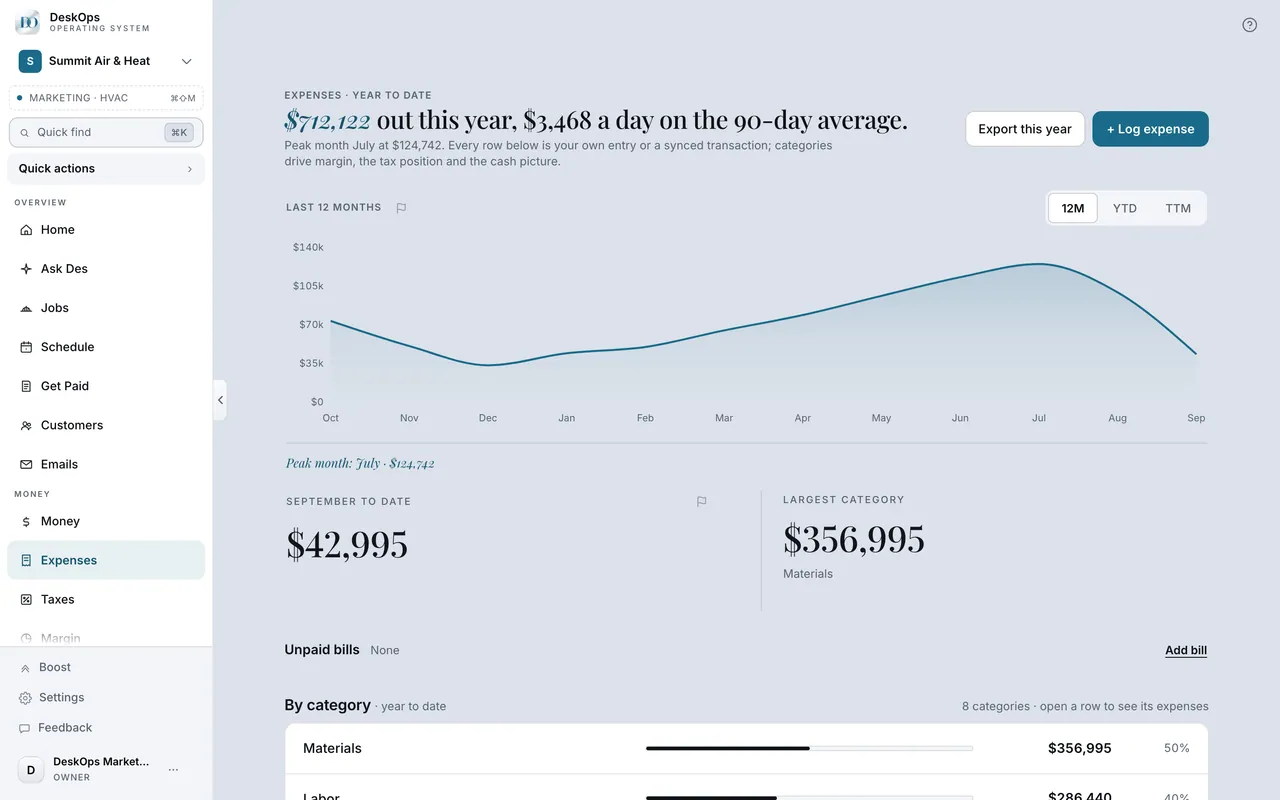 Example screen
Where it is · On a computer
Expenses in the sidebar under Money (the URL is /expenses).
On your phone: Expenses in the Menu tab.
In the flag icon beside a number
Which page to trust
Every page reads the same records. When two disagree it is usually a connection that fell behind; the flag beside a number sends us the figure exactly as you saw it.
Start here · On a computer
- 1the flag icon beside a number
This number looks wrong sends it to us with the value you saw.
On your phone: the same flag on the number.
In Money
A payment that shows twice
One row came from a connection and one was logged by hand. Delete the hand-logged one on Money; the synced row is the one the bank can vouch for.
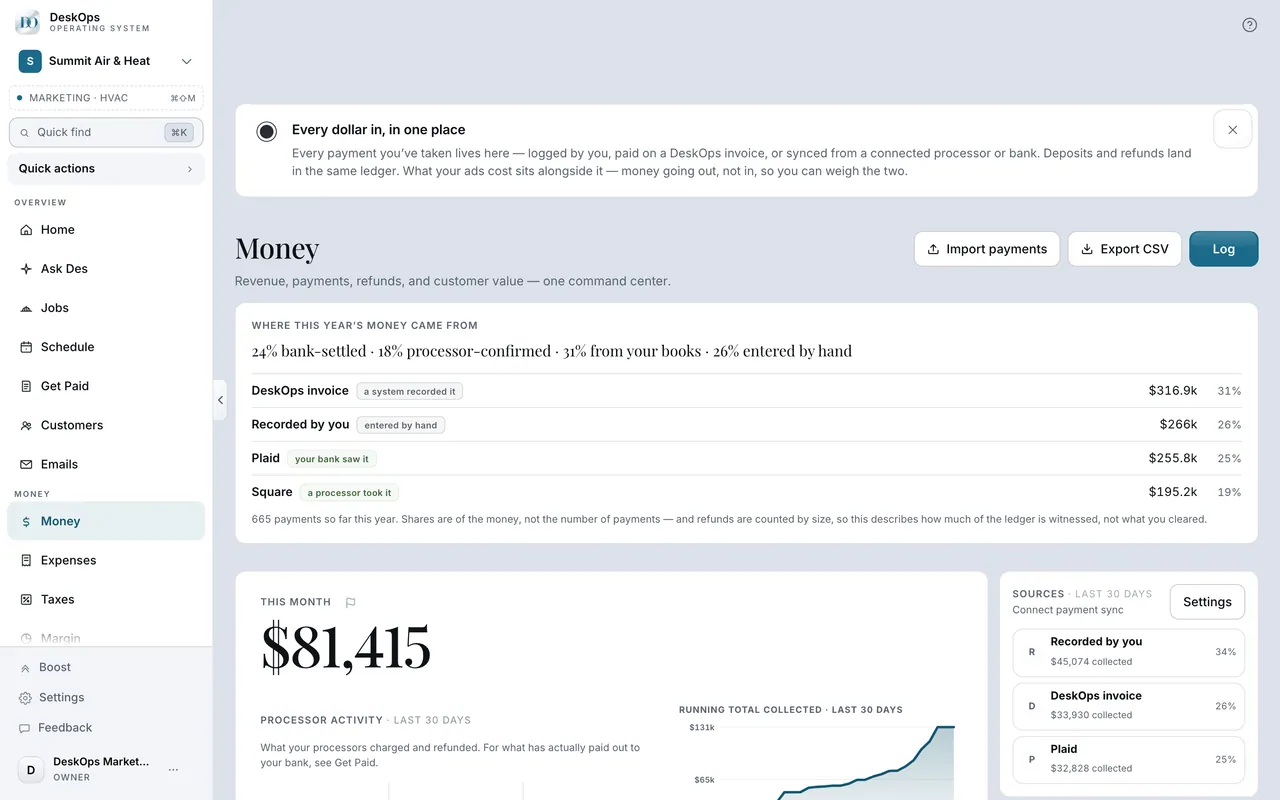 Example screen
Start here · On a computer
- 1Money
- 2open both rows
a synced row and a hand-logged row for the same payment is the usual pair.
On your phone: Money, same.
Want to look at your own?
Scan it once a month by category, largest first.