
The month-end lookIn Settings › Reports & CPA export
In Settings › Reports & CPA export
The month in one PDF
Monthly PDF under Reports & CPA export is the month in one document — the thing to forward to a partner or a lender who wants a summary, not a login.
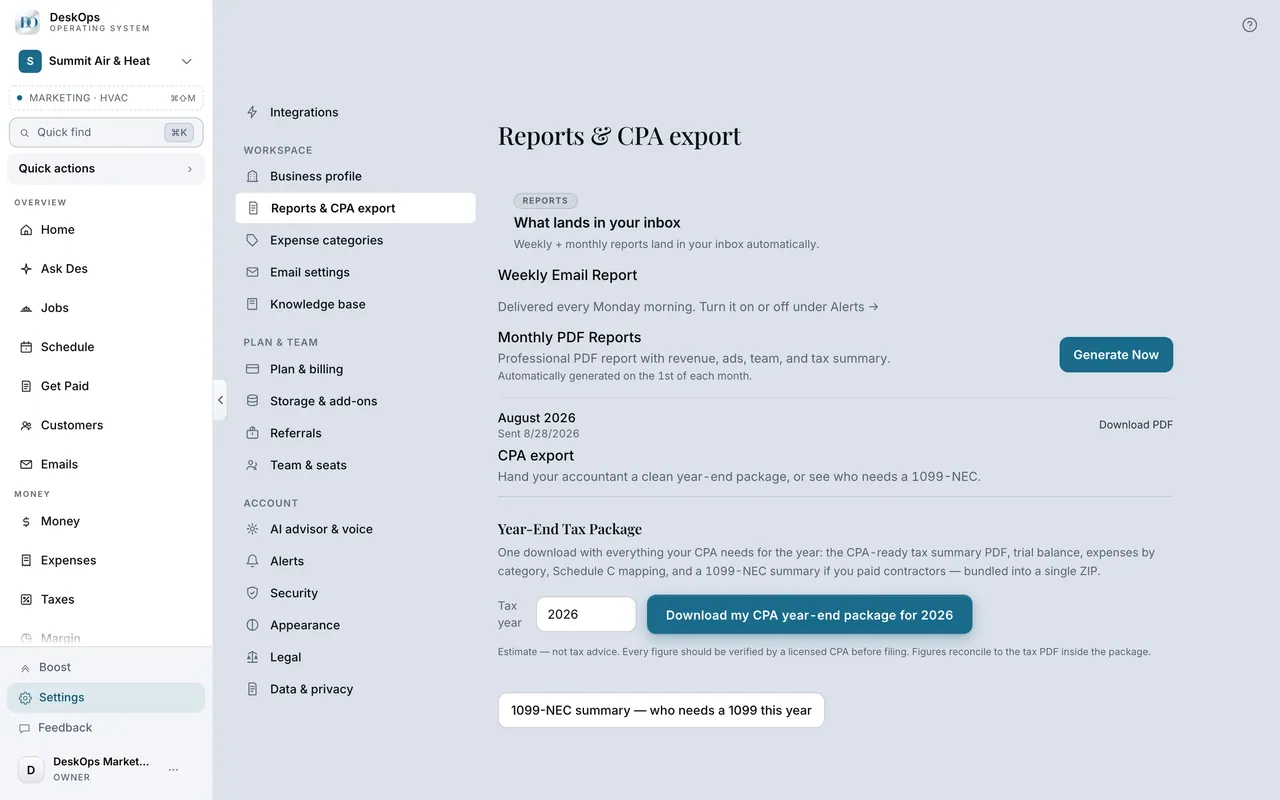 Example screen
Start here · On a computer
- 1Settings
- 2Reports & CPA export
On your phone: Settings → Reports & CPA export → Monthly PDF reports.
In Settings › Reports & CPA export
The weekly email
Weekly email report is one switch under Reports & CPA export. On or off, nothing else changes.
Example screenStart here · On a computer
- 1Settings
- 2Reports & CPA export
- 3Weekly email report
In Settings
What DeskOps sends you
Weekly and monthly numbers by email, and an optional Monday production report from the Jobs board when you have a crew.
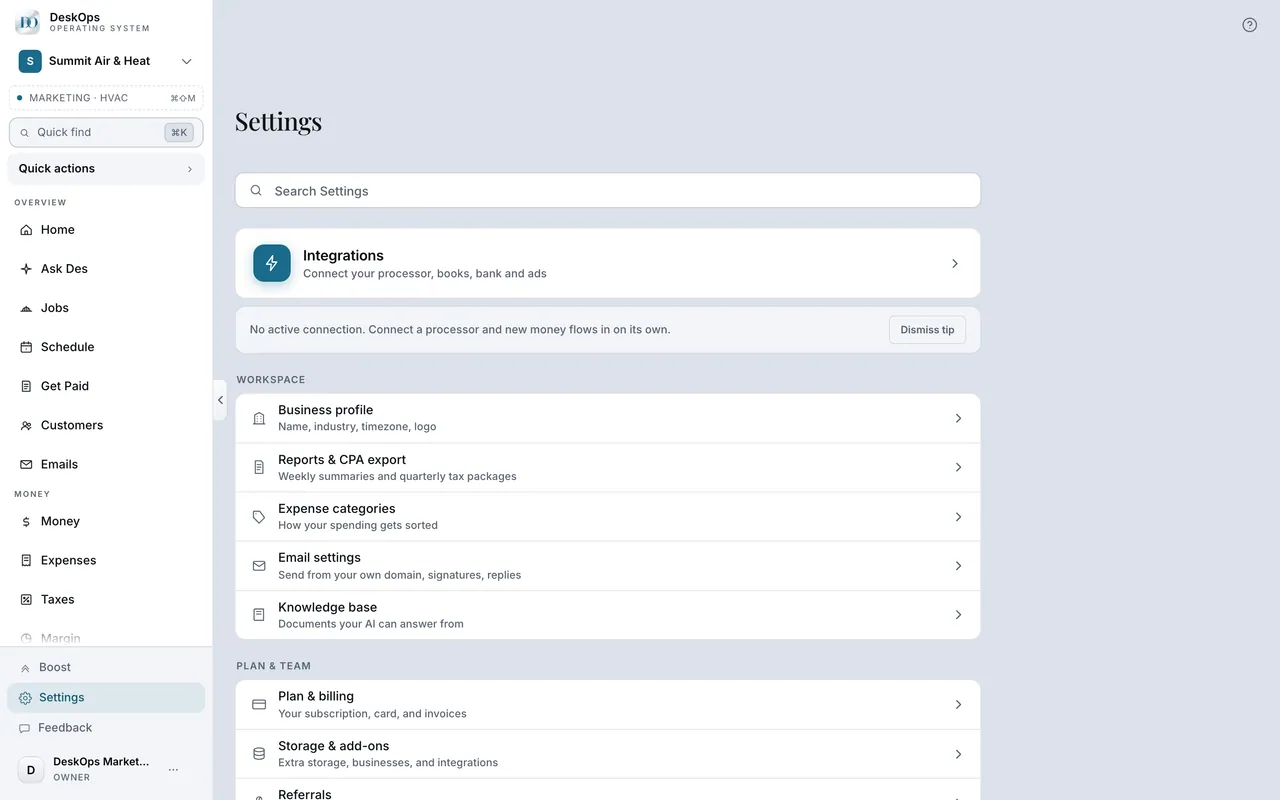 Example screen
Start here · On a computer
- 1Settings
- 2Alerts for the numbers reports
Jobs for the Monday production report.
On your phone: Settings → Alerts; Jobs.
Want to look at your own?
Turn the weekly email on for the first months, then off once Home is a habit.