
Let customers book a timeIn Schedule
In Schedule
Your booking page
Every business has a private booking page. Requests wait for your approval unless you set a service to book itself.
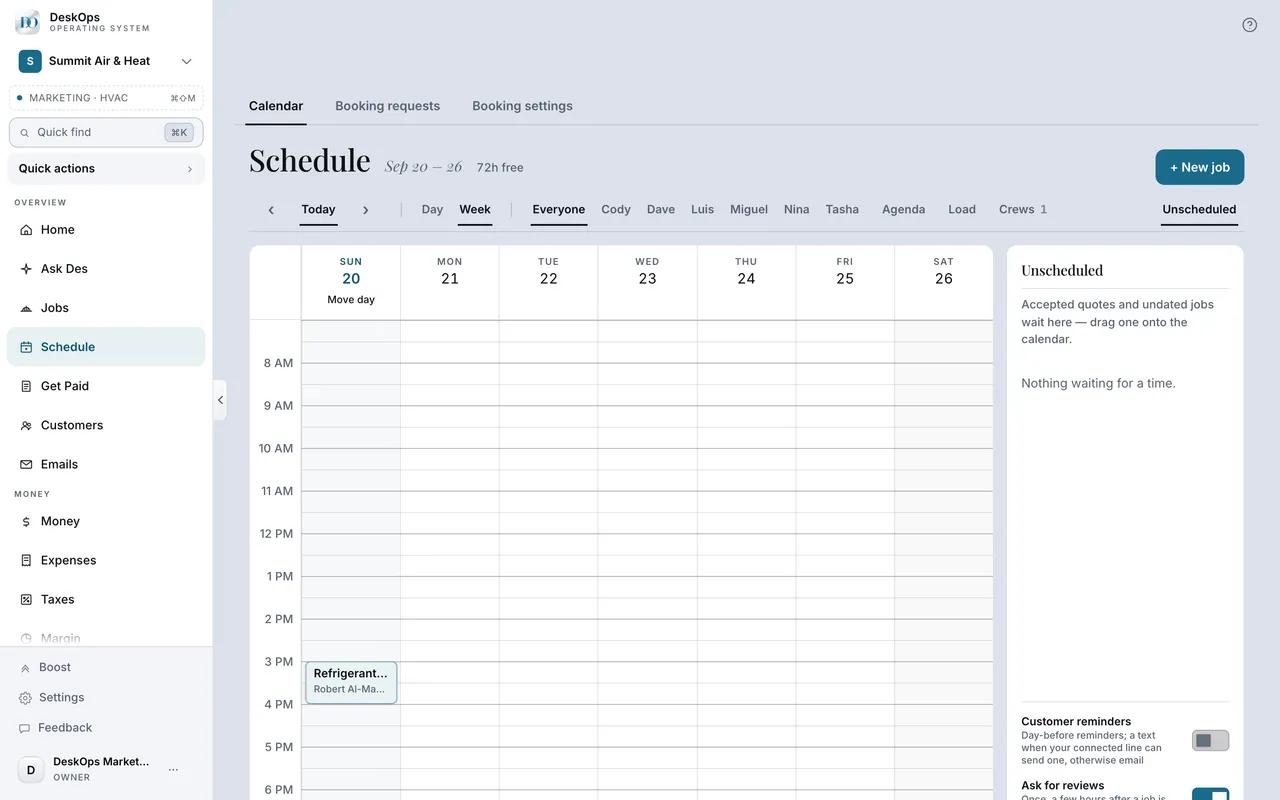 Example screen
Start here · On a computer
- 1Schedule
- 2Booking settings
then share the link from Schedule, then Booking requests.
On your phone: Schedule → Booking settings.
In Schedule
Send the link to a customer
Share your booking page under Booking requests sends the link to an email you type. The same link can go in your signature or on your Google profile.
Example screenStart here · On a computer
- 1Schedule
- 2Booking requests
- 3Share your booking page
- 4enter the customer's email
On your phone: Schedule → Booking requests → Share.
In Schedule
Remind them the day before
When Customer reminders is on, one note goes the day before the visit with the window and who is coming. It is off until you switch it on.
Example screenStart here · On a computer
- 1Schedule
- 2the Customer reminders switch in the tray
On your phone: Schedule, same switch.
Ready to do this with your own business?
Start in approval mode; make a service book itself once you trust the calendar.