
Void an invoiceIn Get Paid › open the invoice
In Get Paid › open the invoice
Void, never delete
Open the invoice and press Void. It stays in your records, the customer is told, and your invoice numbering stays continuous.
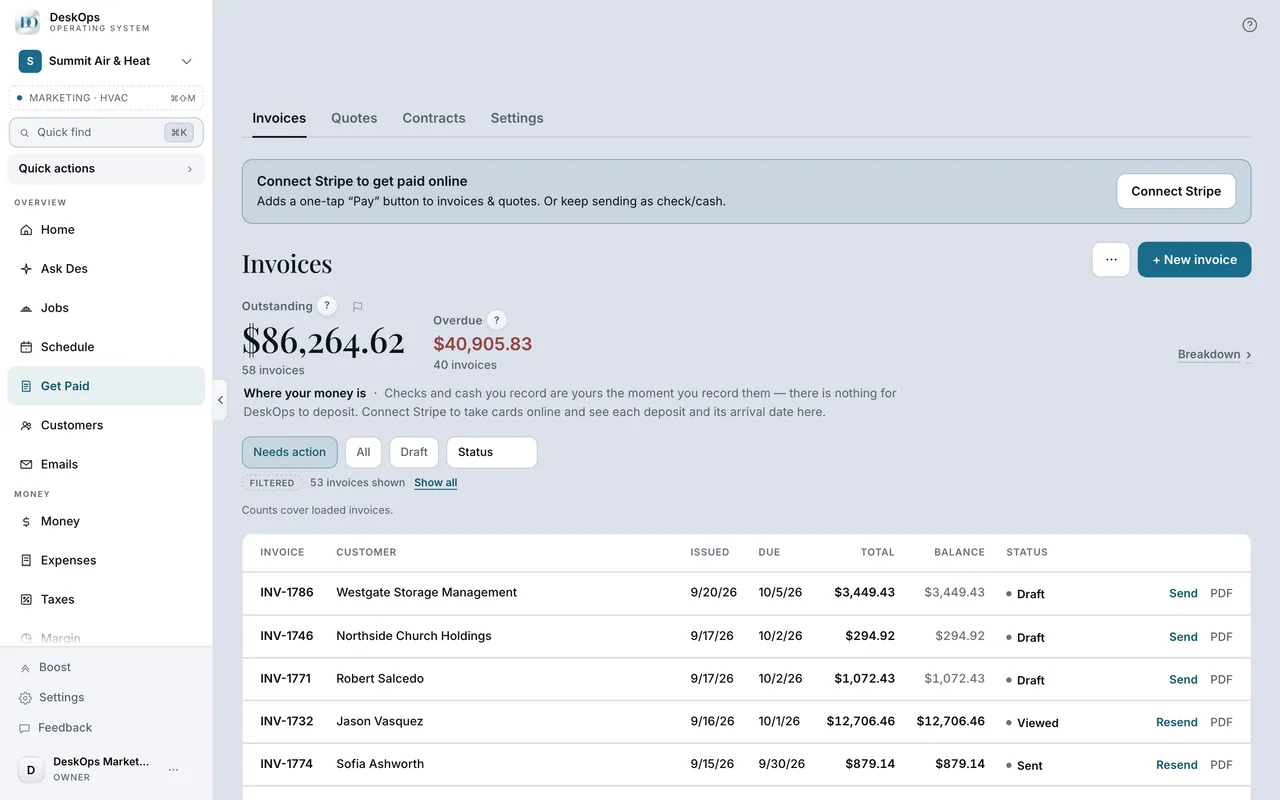 Example screen
Start here · On a computer
- 1Get Paid
- 2open the invoice
- 3Void (a draft says Discard instead)
On your phone: Get Paid → the invoice → Void.
Ready to do this with your own business?
Void an unpaid invoice; a paid one gets refunded instead.