
Set your terms, late fee and tax rateIn Get Paid › Settings
In Get Paid › Settings
Set the defaults once
Get Paid’s Settings tab holds your payment terms, a late fee, a tax rate and tips. Every new invoice starts from them; you can still change any one invoice.
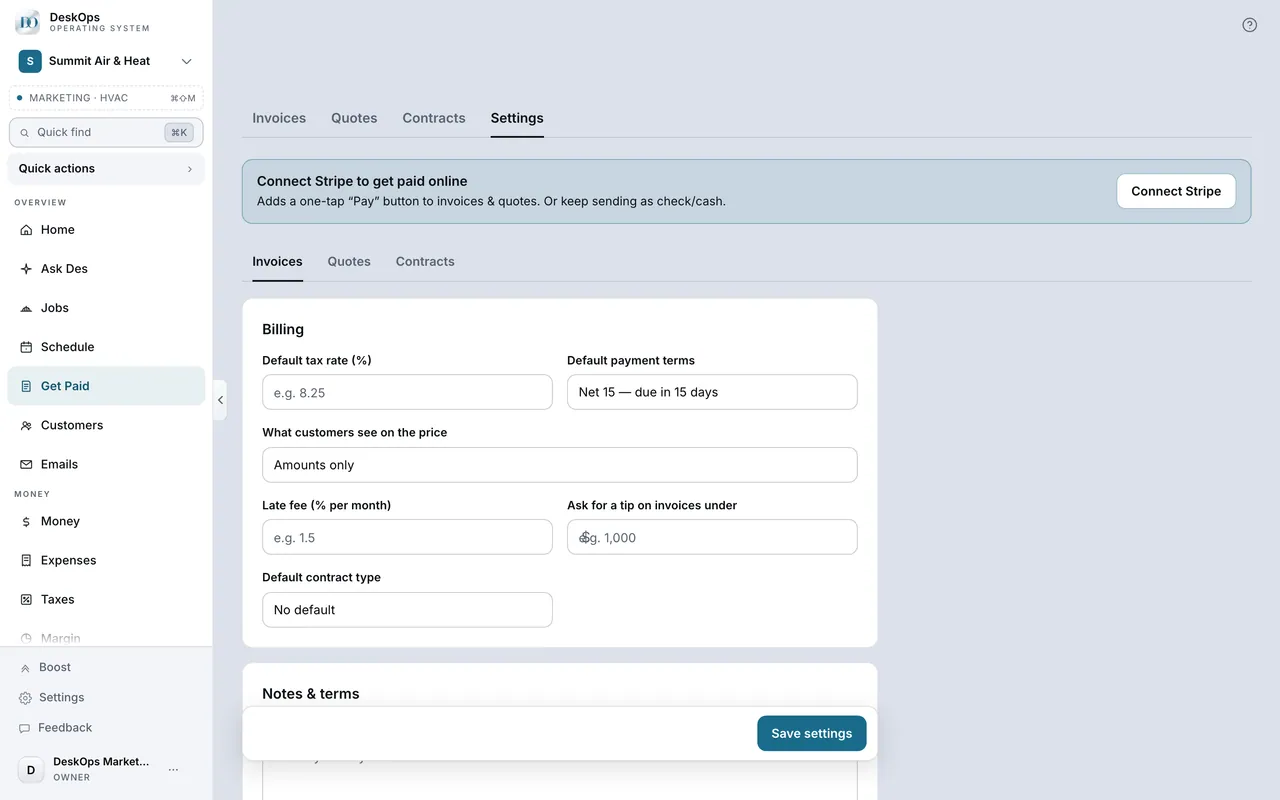 Example screen
Start here · On a computer
- 1Get Paid
- 2Settings tab
- 3Invoices
Ready to do this with your own business?
Set the terms and the late fee once; the fee is printed on the invoice, which is why it works.