
Send a quote or request a depositIn Get Paid › Quotes
In Get Paid › Quotes
Send the quote
A quote is built like an invoice — the customer, the work, the price. Once the customer accepts it, it can be turned into the invoice rather than retyped.
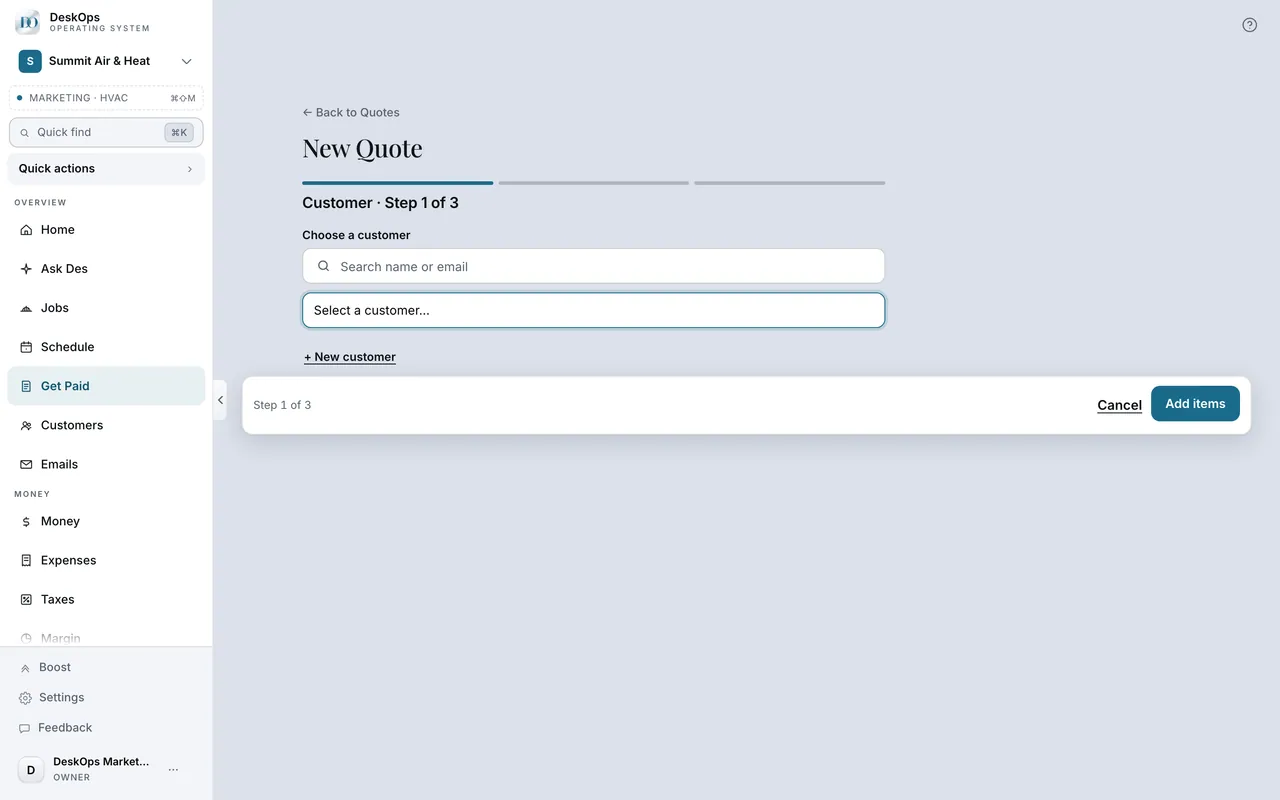 Example screen
Start here · On a computer
- 1Get Paid
- 2Quotes tab
On your phone: Get Paid → Quotes.
In Get Paid › Quotes
What happens when they accept
The customer types their name to accept, which counts as a signature, and the job lands on your Schedule. You invoice when the work is done.
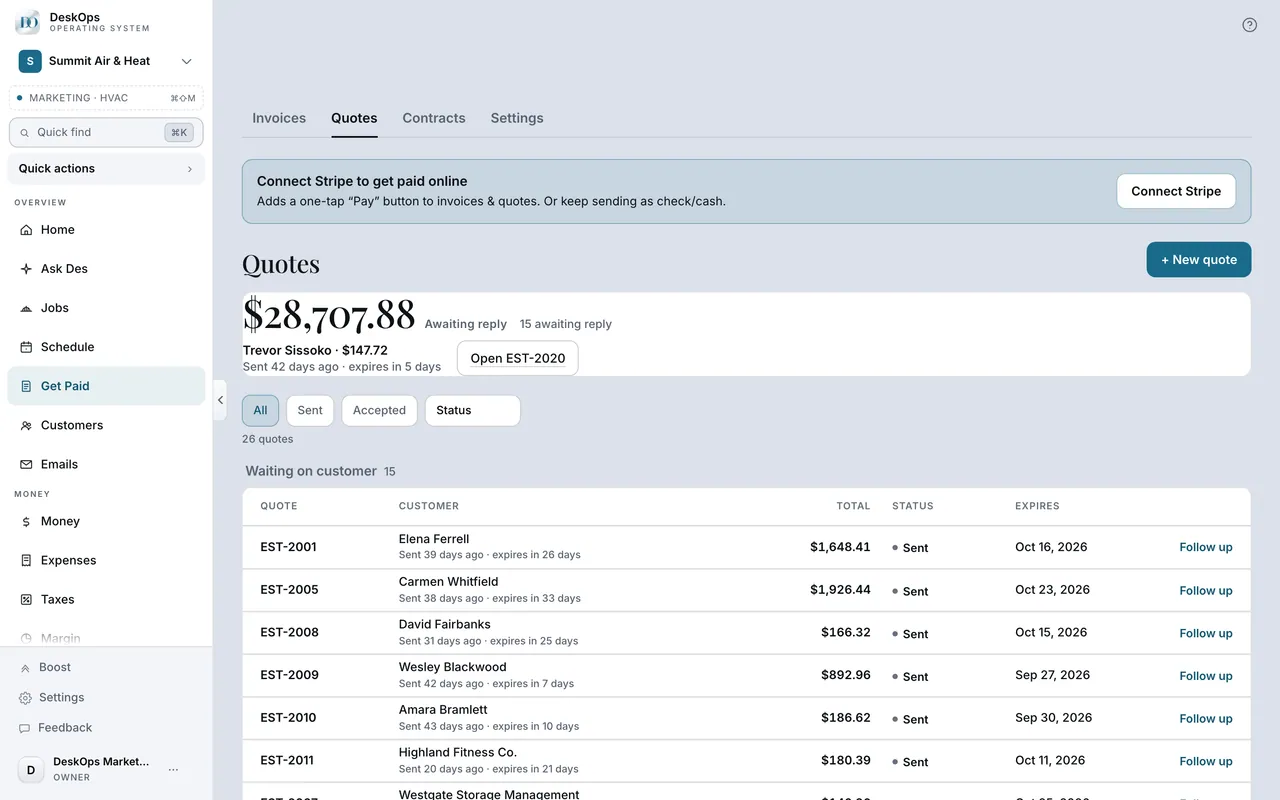 Example screen
Start here · On a computer
- 1Get Paid
- 2Quotes tab
- 3open the quote
its status moves to accepted, and the invoice it became is linked from it.
On your phone: Get Paid → Quotes → the quote.
In Get Paid › Quotes
Ask for a deposit
Set a deposit percentage on the quote. The deposit invoice goes out when they accept; the balance is invoiced when the job is done.
Example screenStart here · On a computer
- 1Get Paid
- 2Quotes tab
- 3+ New quote
- 4set a deposit percentage on the quote
On your phone: Get Paid → Quotes → + New quote.
Worth knowingA deposit on anything with materials means they are paid for before you buy them.
In Get Paid › Quotes
Let the follow-up run
When the quote follow-ups switch is on, a nudge goes at three days and again at seven, and stops the moment the customer answers.
Example screenStart here · On a computer
- 1Get Paid
- 2Quotes tab
- 3open the quote to see the follow-ups sent
On your phone: Get Paid → Quotes → the quote.
Ready to do this with your own business?
Quote anything bigger than a service call; an accepted quote is proof of what they agreed to.