
Refund a paymentIn Get Paid › open the paid invoice
In Get Paid › open the paid invoice
Refund from the paid invoice
Open the paid invoice and press Refund — full or partial. The money goes back the way it came and the platform fee is refunded in proportion.
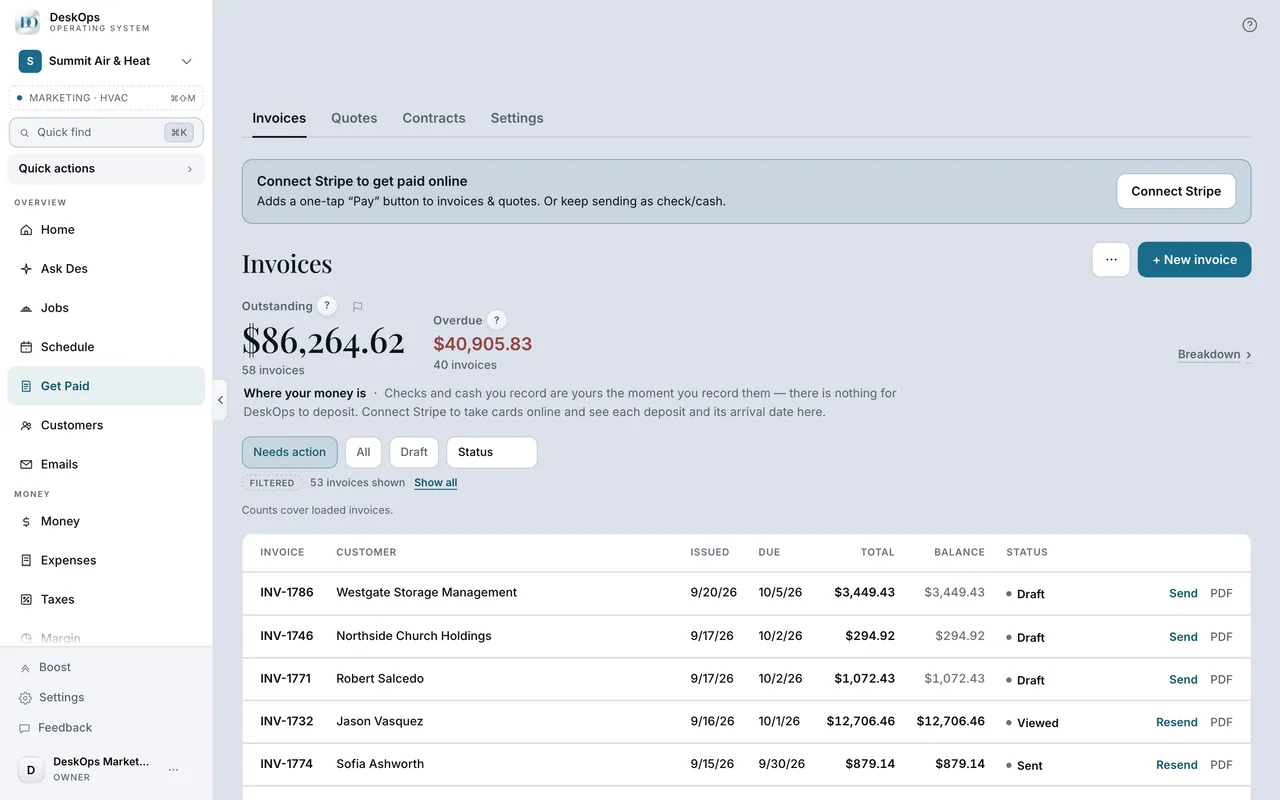 Example screen
Start here · On a computer
- 1Get Paid
- 2open the paid invoice
Refund, full or partial.
On your phone: Get Paid → the invoice → Refund.
Ready to do this with your own business?
Refund from DeskOps rather than the Stripe dashboard so the fee comes back and the books stay right.