
See who owes youIn Get Paid › Invoices
In Get Paid › Invoices
Read Outstanding and Overdue
On Invoices, Outstanding is everything unpaid and Overdue is the part past its due date. Open either number to see the invoices behind it.
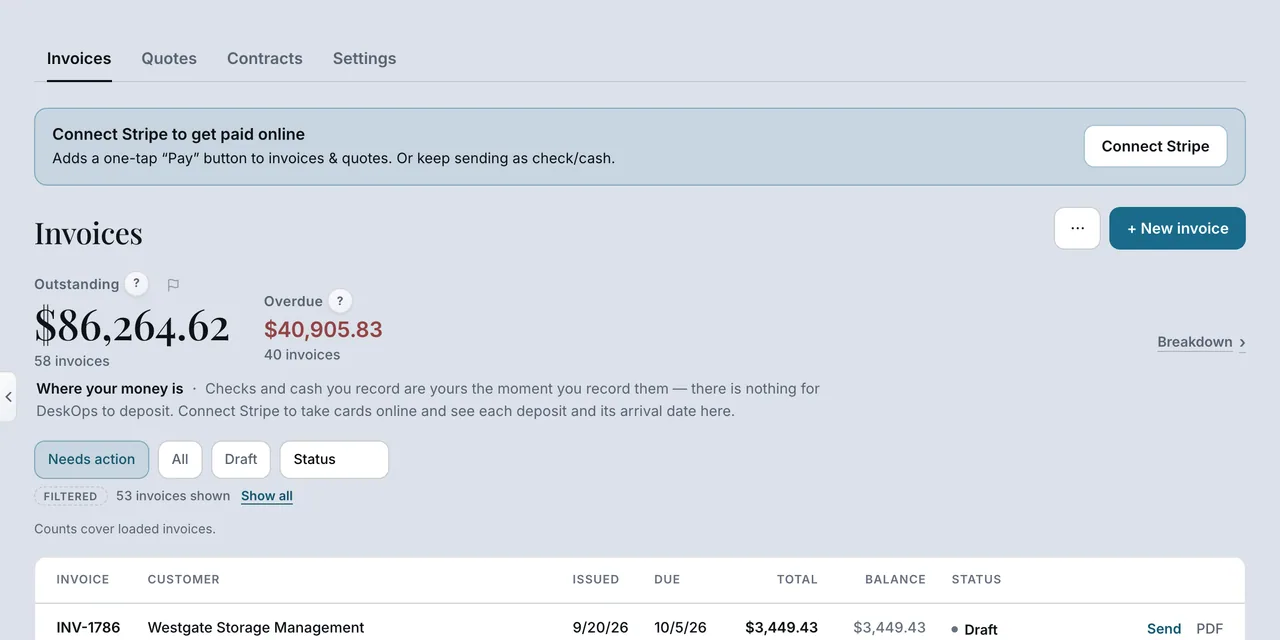 Example screen
Start here · On a computer
- 1Get Paid
- 2Invoices tab
The headline figures at the top are Total Invoiced, Paid, Outstanding and Overdue; the list below filters by status.
On your phone: Get Paid. The big number is what is outstanding; the tiles under it are Total invoiced, Collected and Overdue.
In Get Paid › open the invoice
Know what goes out on its own
Five reminders go out automatically — before the due date, on it, then three, seven and fourteen days late — and then it stops. Each carries the Pay link.
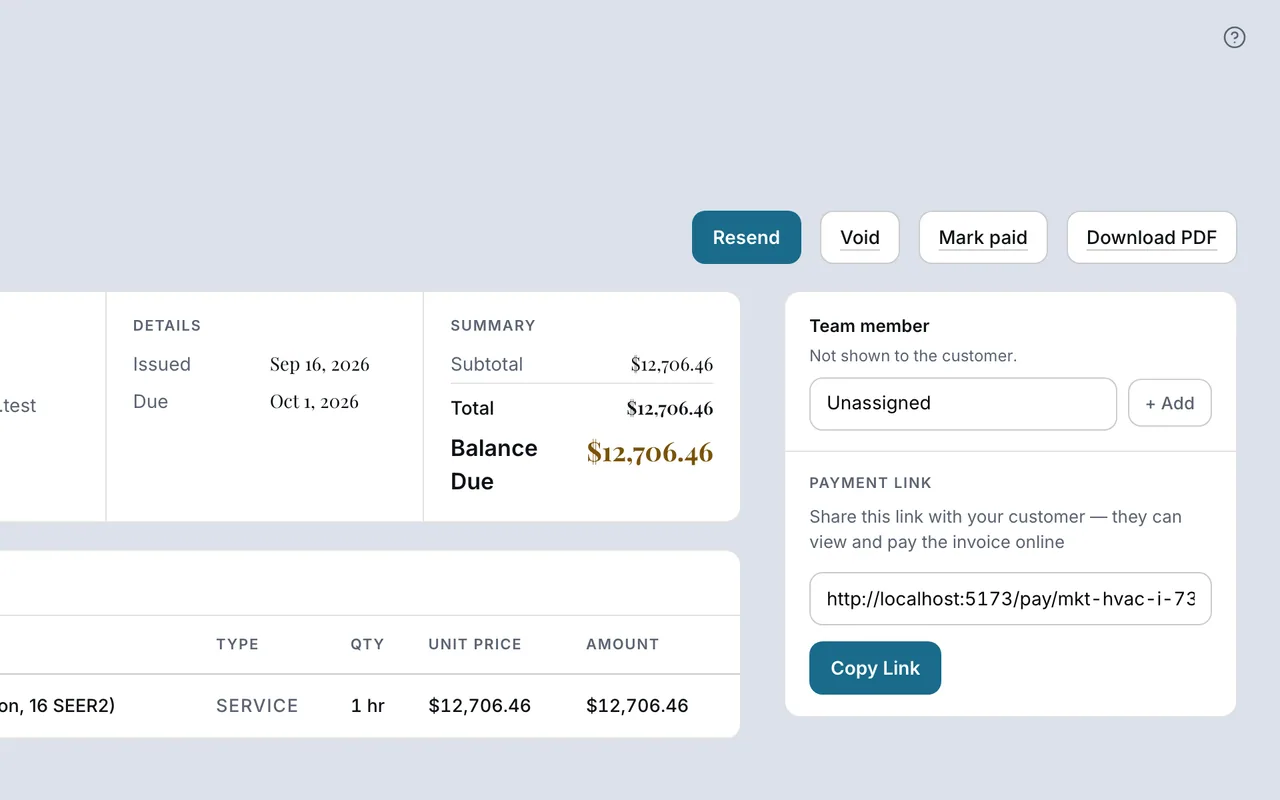 Example screen
Start here · On a computer
- 1Get Paid
- 2open the invoice
the reminder history is on the detail, and Send reminder sends one now.
On your phone: Get Paid → the invoice, same.
Worth knowingAfter the fifth reminder nothing else is sent; that one is your call to make.
Want to look at your own?
Open the Overdue number, not the whole list — those are the calls to make.