
Bill several customers at onceIn Get Paid › Invoices
In Get Paid › Invoices
Send one invoice to a list
Bill a batch sends the same invoice to a list of customers. Each one gets their own invoice and their own Pay link.
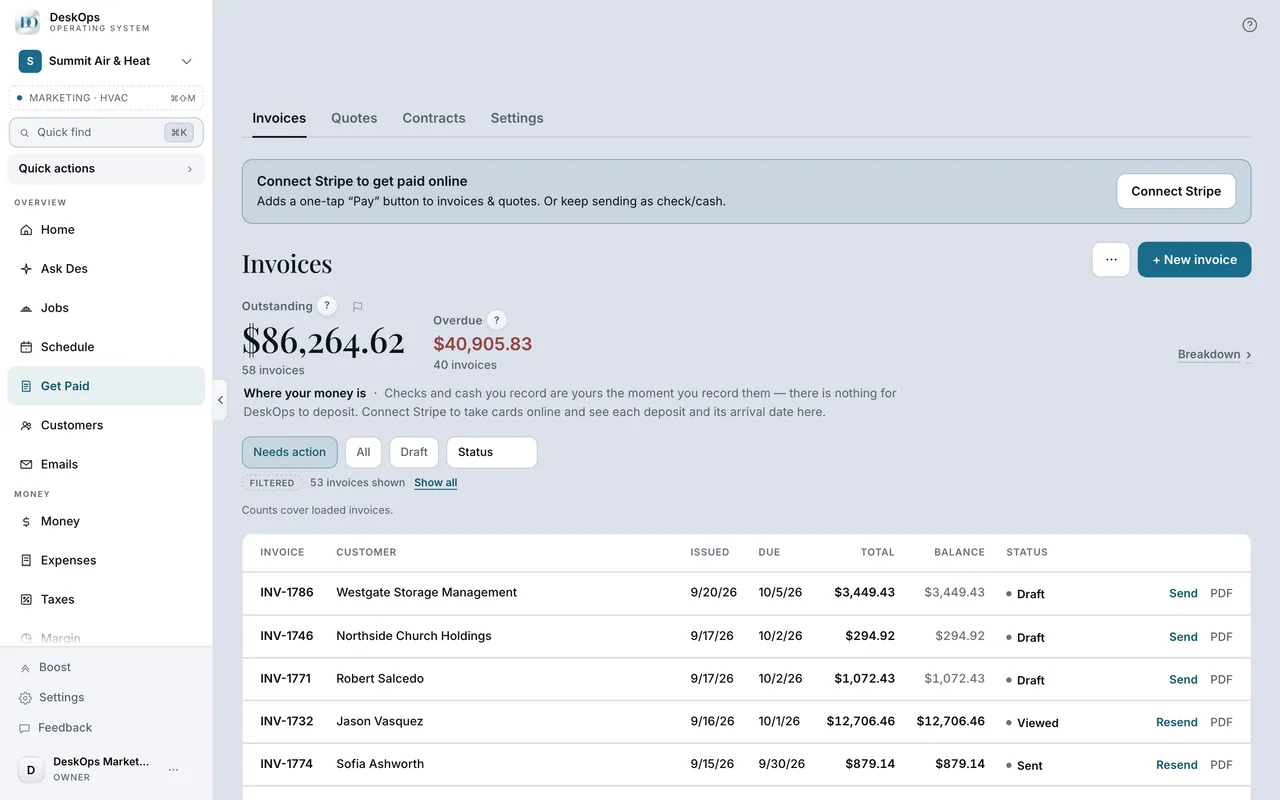 Example screen
Start here · On a computer
- 1Get Paid
- 2Invoices tab
- 3the ⋯ menu next to + New
- 4Bill a batch
On your phone: Get Paid → the ⋯ menu → Bill a batch.
Ready to do this with your own business?
Use it for route work — the customers you see on the same day for the same thing.