
After a quote is acceptedIn Get Paid › Quotes
In Get Paid › Quotes
Record a cancellation
Cancel an accepted quote and say who cancelled. For a customer, pick how it reached you; DeskOps records the day and whether it came inside the window.
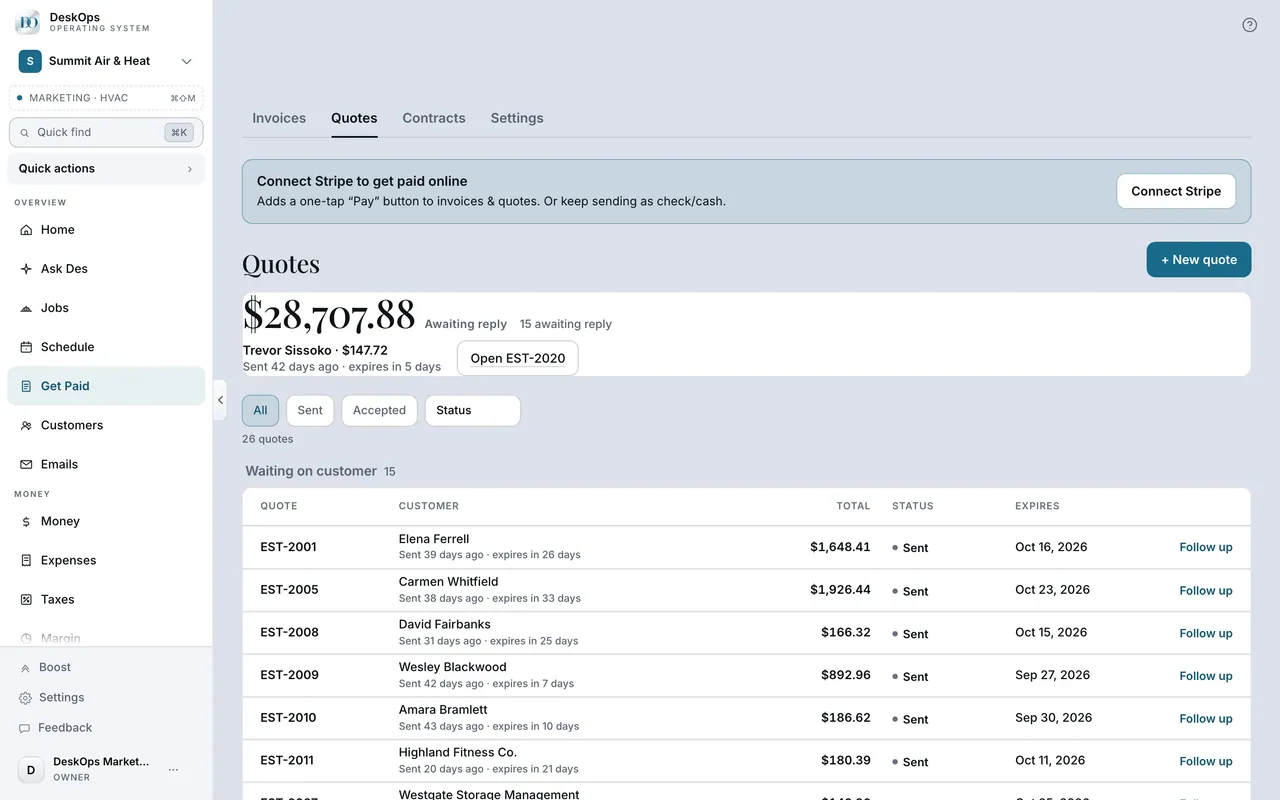 Example screen
Start here · On a computer
- 1Get Paid
- 2Quotes tab
- 3Open the accepted quote
- 4Record a cancellation
- 5"Who cancelled?"
On your phone: Get Paid → Quotes → the quote → Manage → Record a cancellation → "Who cancelled?"
In Get Paid › Quotes
Hand over a paper copy
When a customer asks for paper, the quote shows Paper copy requested. Download the signed copy, give or mail it, then tap Mark given; DeskOps records the date.
Example screenStart here · On a computer
- 1Get Paid
- 2Quotes tab
- 3Open the accepted quote
- 4Paper copy requested
- 5Download the signed copy
then Mark given.
On your phone: Get Paid → Quotes → the accepted quote → Paper copy requested → Download the signed copy, then Mark given.
Want to look at your own?