
Add a discountIn Get Paid › Invoices
In Get Paid › Invoices
Enter the discount on the totals
The discount field sits with the totals. It applies to this invoice only and does not carry over to the customer’s next one.
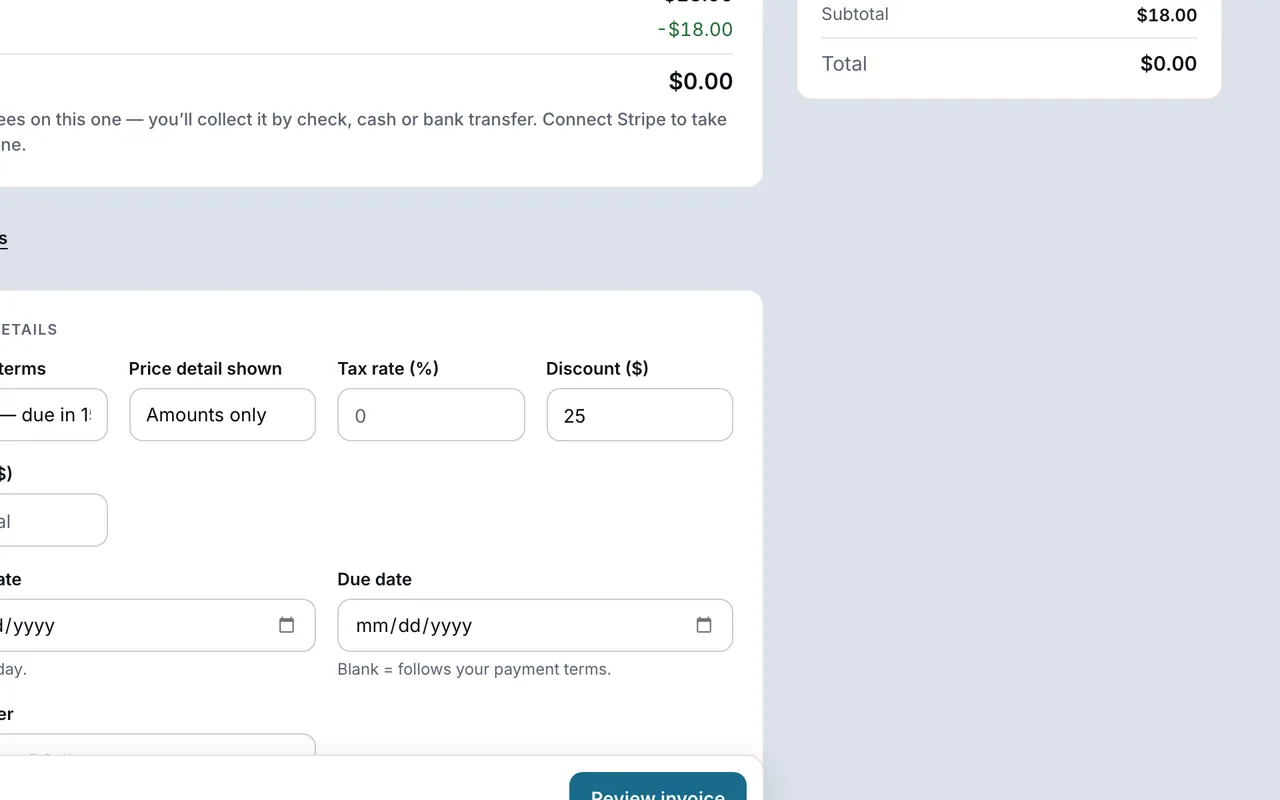 Example screen
Start here · On a computer
- 1Get Paid
- 2Invoices tab
- 3+ New invoice
- 4Items
- 5More
tax, terms, discounts, late fees, then Discount.
On your phone: Get Paid → New invoice → Items → Taxes and terms → Discount.
Ready to do this with your own business?
Check the final total before sending, especially when the customer expects a regular discount.