
Talk to Des out loudIn Ask Des
In Ask Des
Talk on the page
The round voice button on Ask Des starts a live conversation you can interrupt — useful in the truck between stops.
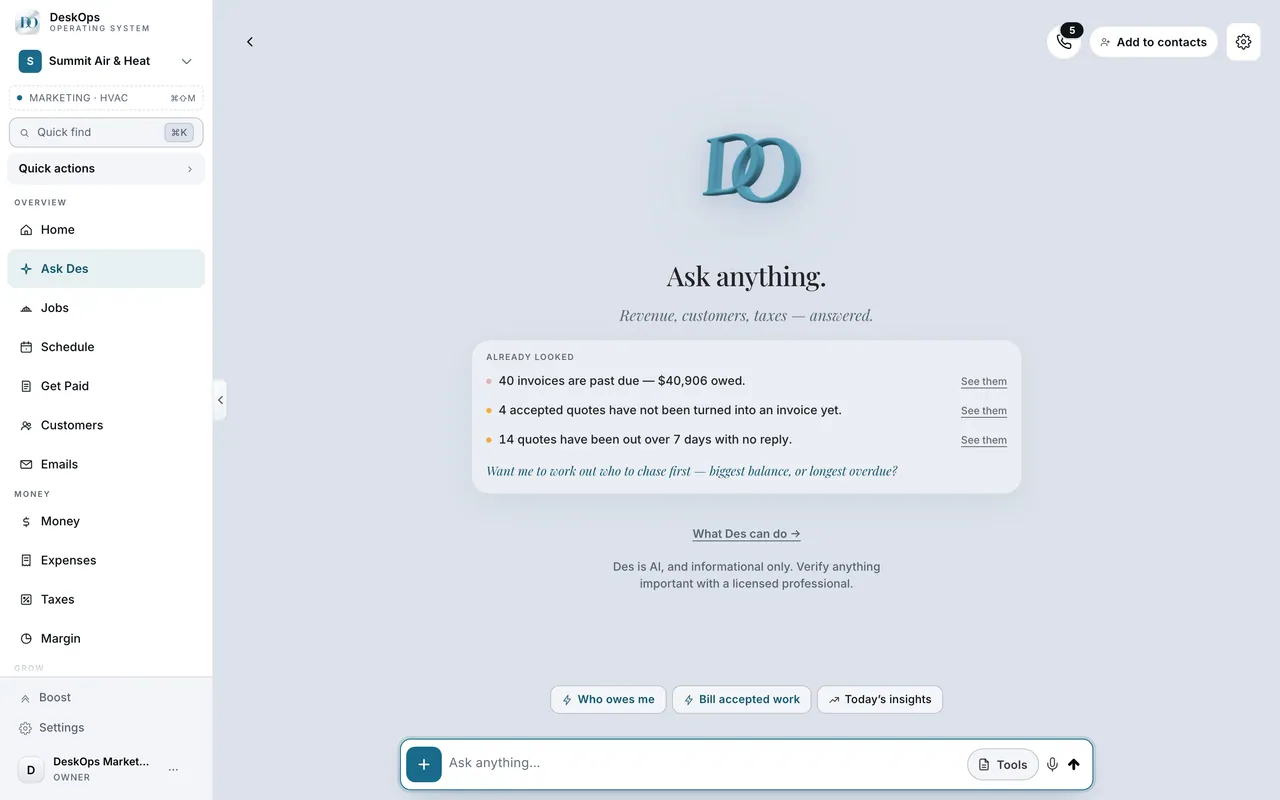 Example screen
Start here · On a computer
- 1Ask Des
- 2the circular voice button on the page
On your phone: the same voice button on the Ask Des screen.
In Settings › AI advisor & voice
Call Des from your phone
Register your number under AI advisor & voice, then call. Only enrolled numbers get through, and a call under fifteen seconds is free.
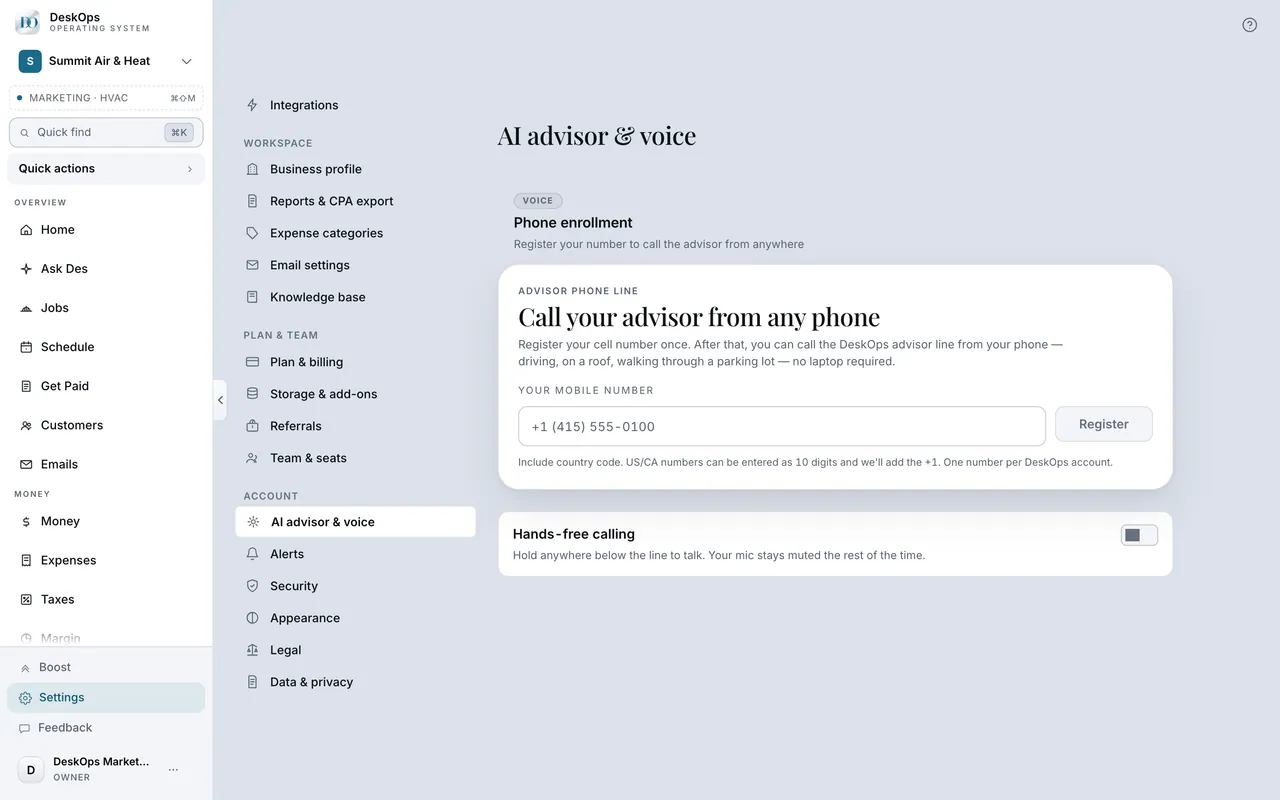 Example screen
Start here · On a computer
- 1Settings
- 2AI advisor & voice
- 3phone enrollment
Register the number you will call from.
On your phone: Settings → AI advisor & voice → Voice phone enrollment.
In Des, your assistant
What Des remembers
“We never work Sundays” or “call me Kyle” is kept and used next time, on every device. You can tell it to forget something the same way.
Where it is · On a computer
yes. Preferences and business facts said in chat or on a call are pinned and reused on later turns.
On your phone: same memory, shared with desktop.
Want to look at your own?
Tell it your rules once, out loud, in the first week.