
What each role can doIn Settings › Team & seats
In Settings › Team & seats
The roles
Office roles see the operational pages. Field roles see their own jobs and Des, nothing with money. Bookkeeper sees the books and is free.
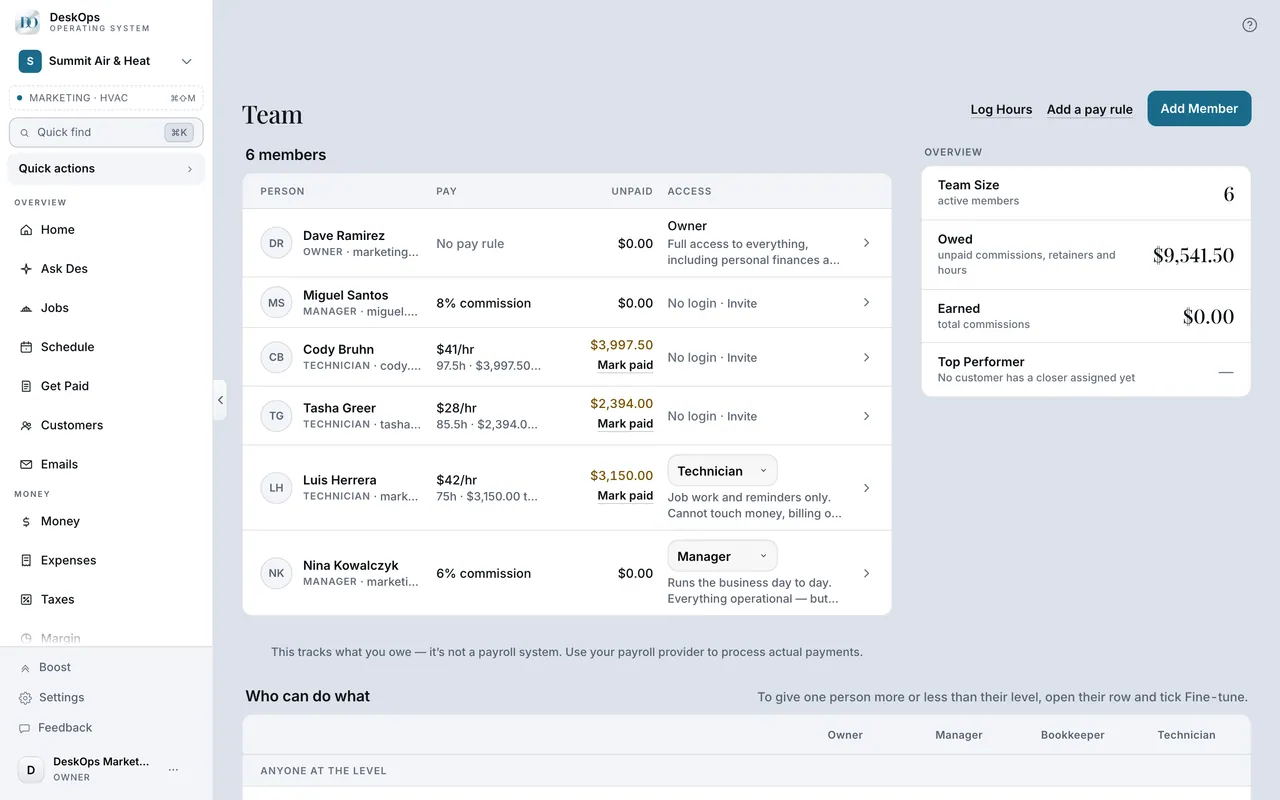 Example screen
Start here · On a computer
- 1Settings
- 2Team & seats
- 3the role on each member's row
Access & permissions to widen one person.
On your phone: Settings → Team & seats.
In Settings › Team & seats
What each role sees
The owner sees everything. Everyone else sees the operational side and never your Wealth page. A role changes from the same row you set it on.
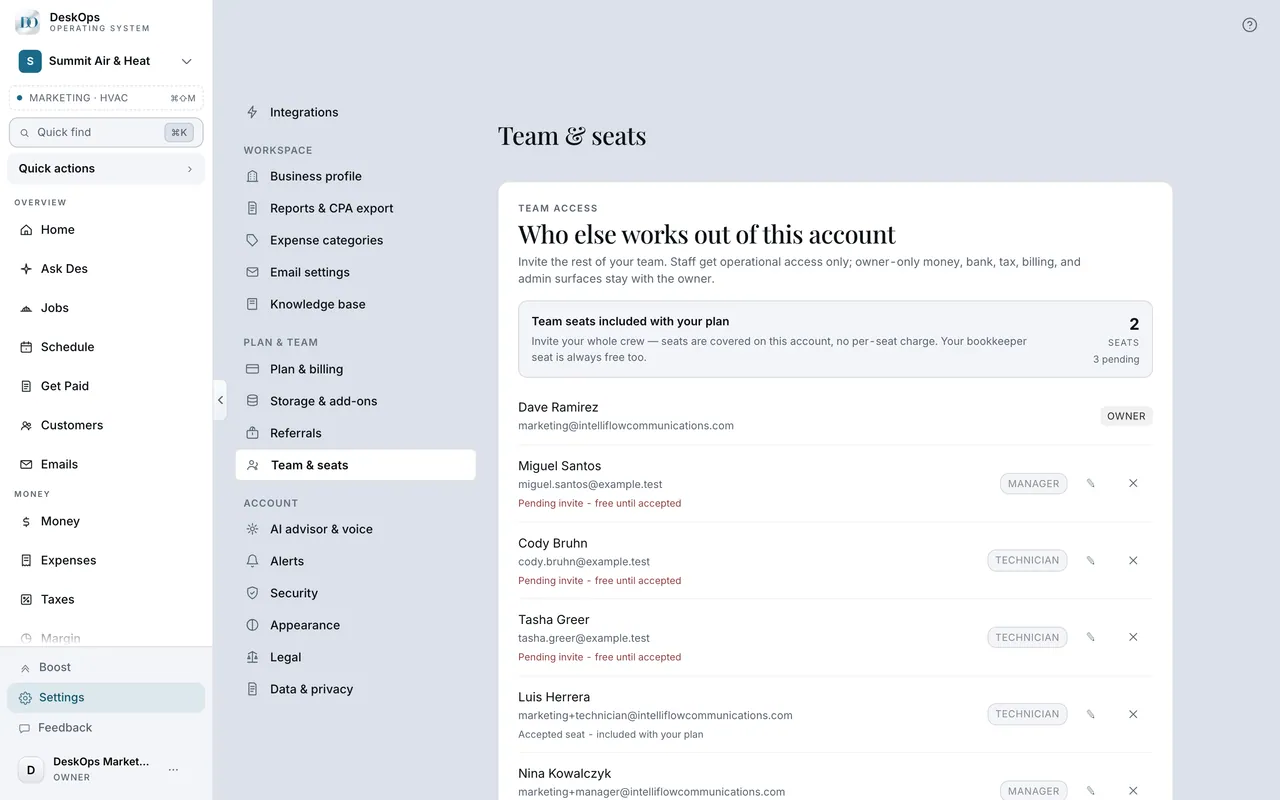 Example screen
Start here · On a computer
- 1Settings
- 2Team & seats
each member's role is on their row.
On your phone: Settings → Team & seats — same rows.
In Settings › Team & seats
Your finances stay yours
Wealth, Taxes, Foresight, The Record, Settings and billing are owner-only, and Des follows the same lines when a team member asks it.
Example screenStart here · On a computer
- 1Settings
- 2Team & seats
- 3Access & permissions
On your phone: Settings → Team & seats.
Want to look at your own?
Technician for the truck, Manager for the office, Bookkeeper for your accountant.