
Pay rules and commissionsIn Team
In Team
The six kinds of pay rule
Commission, tiered, retainer, hourly, flat per job, or a share of the job — one rule per person. Hourly suits the crew; commission suits whoever sells.
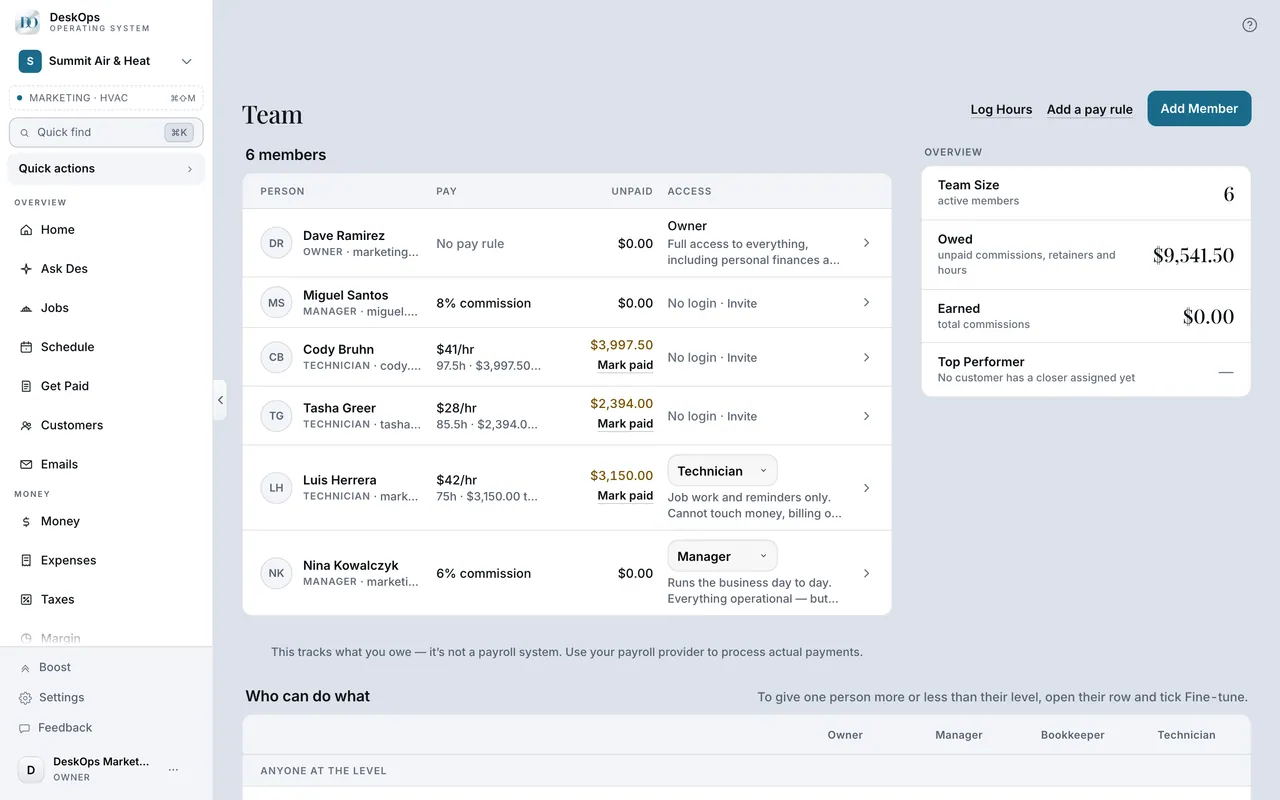 Example screen
Start here · On a computer
- 1Team
- 2the member
- 3Pay rule
In Team
Set someone’s pay rule
Open the person under Team and pick the shape and the number. Set it before their first job closes so the credit lands.
Example screenStart here · On a computer
- 1Team
- 2the member
- 3pay rule
Percentage, tiered, retainer and hourly are all supported.
On your phone: Team → the member → pay rule.
In Customers
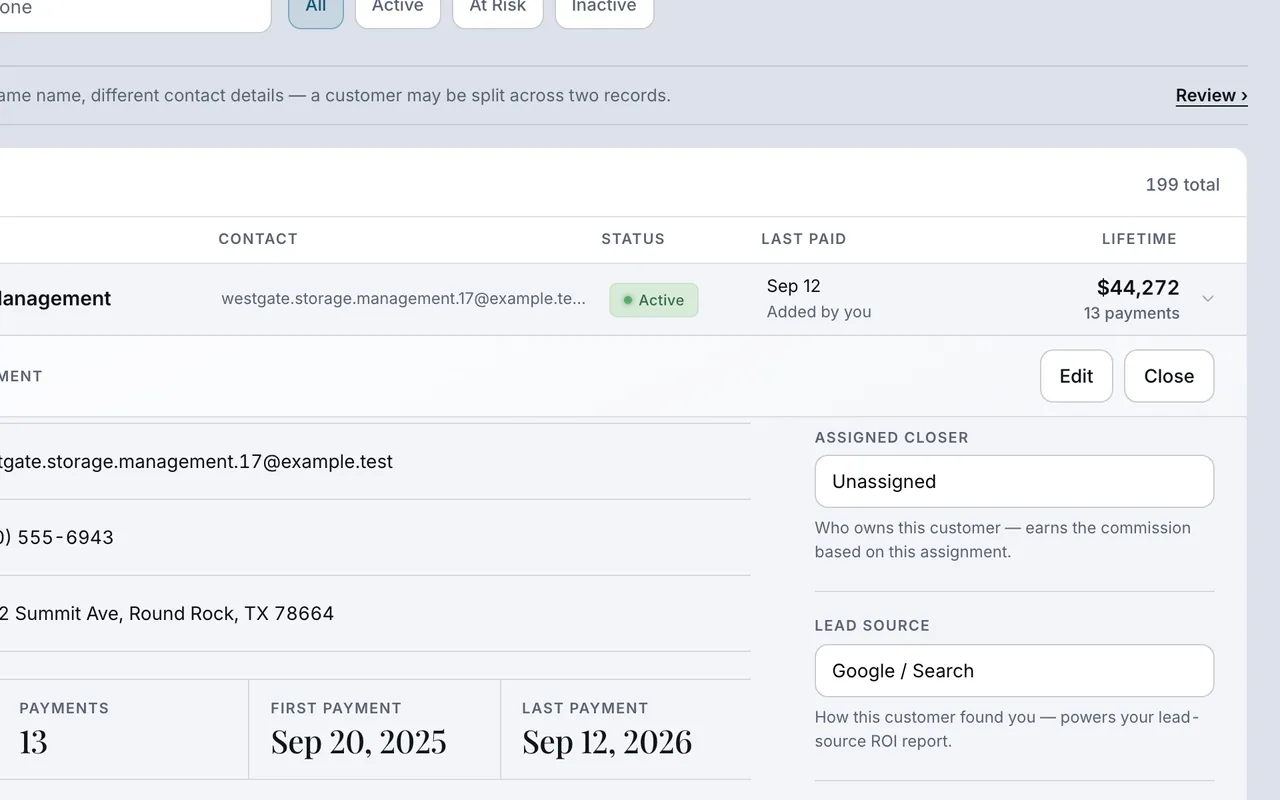
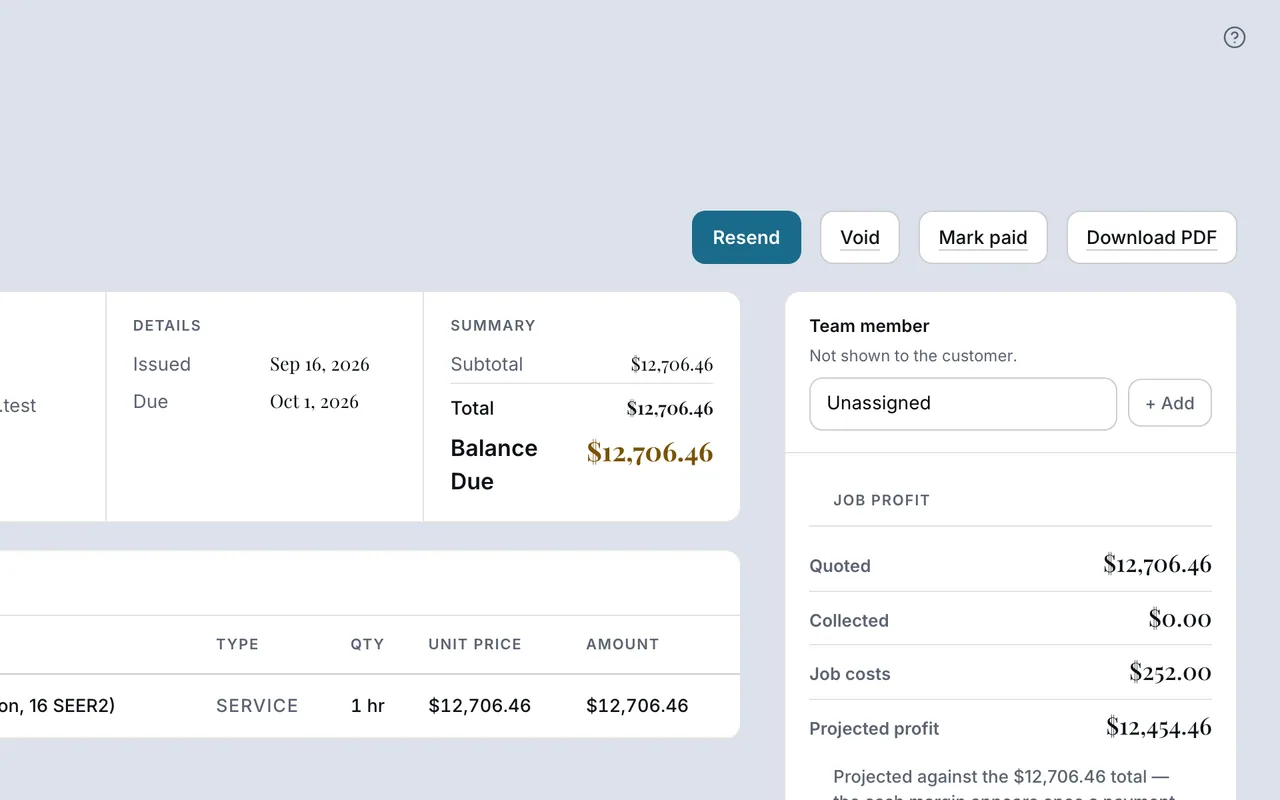
Credit the sale and the work separately
Sales commission follows the customer’s closer. Job wages follow the worker on the invoice or job. One job can carry both.
 Example screen
 Example screen
Who sold it · On a computer
- 1Customers
- 2the customer
- 3assign a closer (sales credit)
Who did the work · On a computer
- 1Get Paid or Jobs
- 2the invoice or job
- 3the team member who did the work (build credit)
On your phone: Customers → the customer → closer; Get Paid or Jobs → the invoice or job → team member.
Pay rules work out what is owed. DeskOps does not transfer money to your team.
In Team
Record that you paid them
Mark Paid on the commission ledger records that you paid; it does not send money. A refund later nets itself off.
Example screenStart here · On a computer
- 1Team
- 2the commission ledger
- 3Mark Paid
On your phone: Team → the member → Mark Paid.
Ready to do this with your own business?
Set the closer before the customer pays; assign the person doing the work on each job.