
Fix one expense in the wrong categoryIn Expenses
In Expenses
Change the category on the expense
An expense from your bank feed gets a category guessed from the vendor. Open the expense and change it; DeskOps learns the vendor, so later charges from the same place land right.
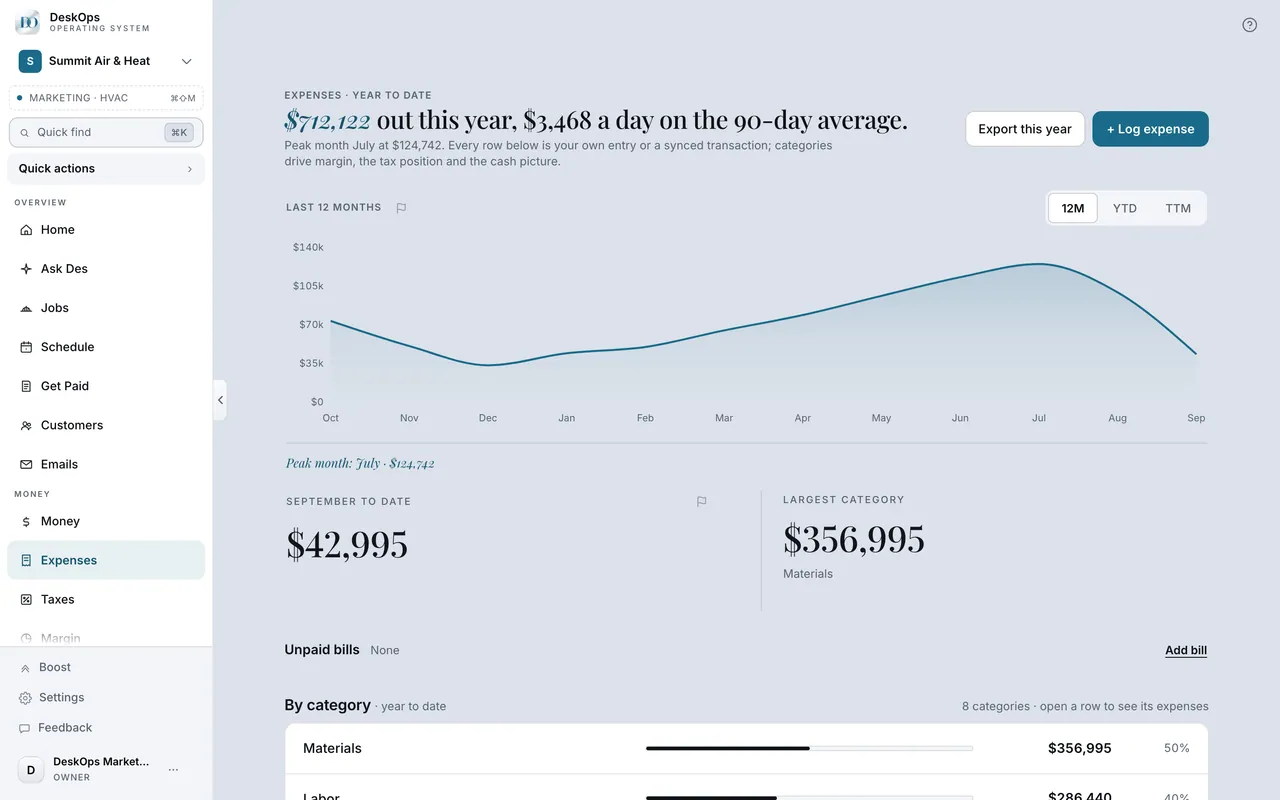 Example screen
Start here · On a computer
- 1Expenses
- 2open the expense
- 3change its category
On your phone: Expenses → tap the expense → change its category.
Worth knowingThe fix flows through to Margin and the tax packet, which read the same categories.
Ready to do this with your own business?
Fix it the day you see it; you are correcting Margin and the tax packet in the same tap.