
Check payments that might be counted twiceIn Money in
In Money in
Open the payments-to-check row
Money in shows a “payments to check” row when two records look alike. Open it, then say for each payment whether it is the same payment or two different payments.
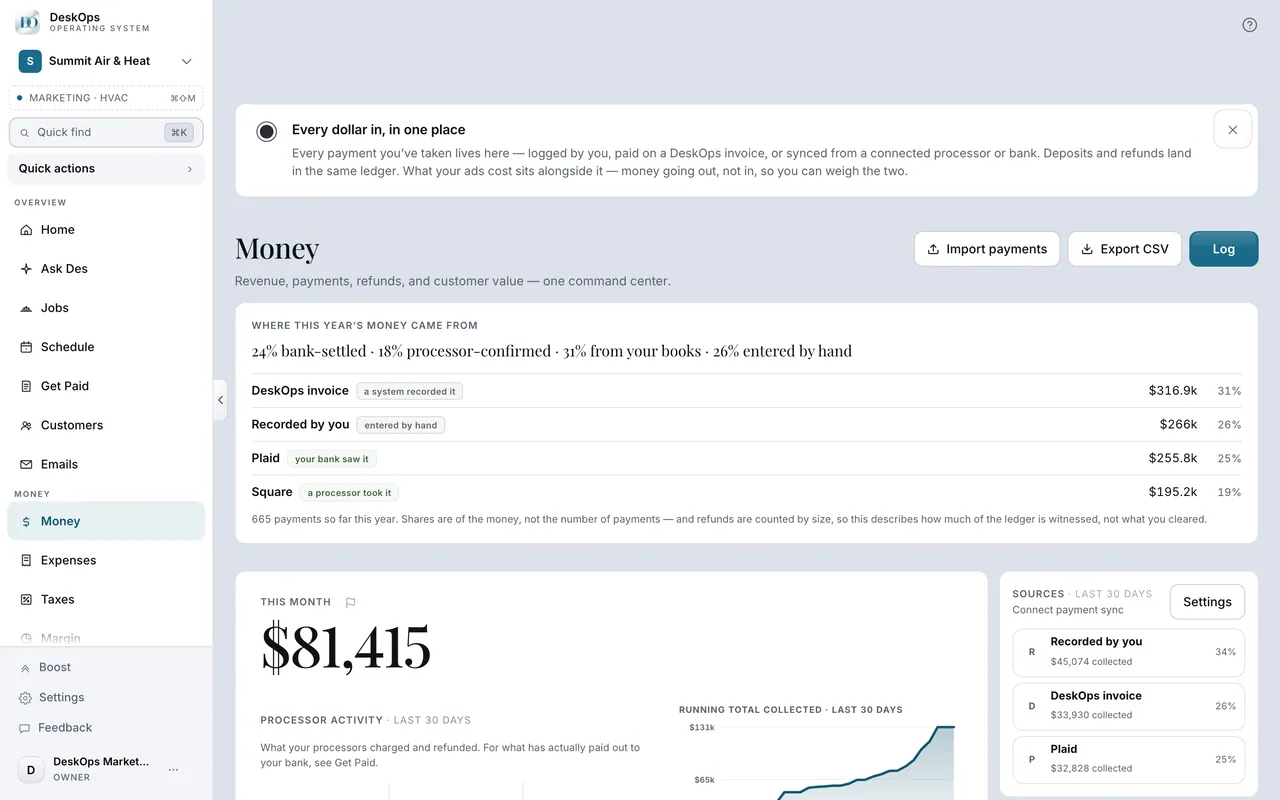 Example screen
Start here · On a computer
- 1Money in
the "payments to check" row near the top, when shown.
On your phone: Menu → Money in → the "payments to check" row near the top, when shown.
Worth knowingNot sure keeps both counted and asks again only if either record changes.
In Customers
Why DeskOps asks instead of guessing
A payment from two places is counted once only when the customer and exact cents agree within a few days and nothing disproves it. Anything less is listed for you.
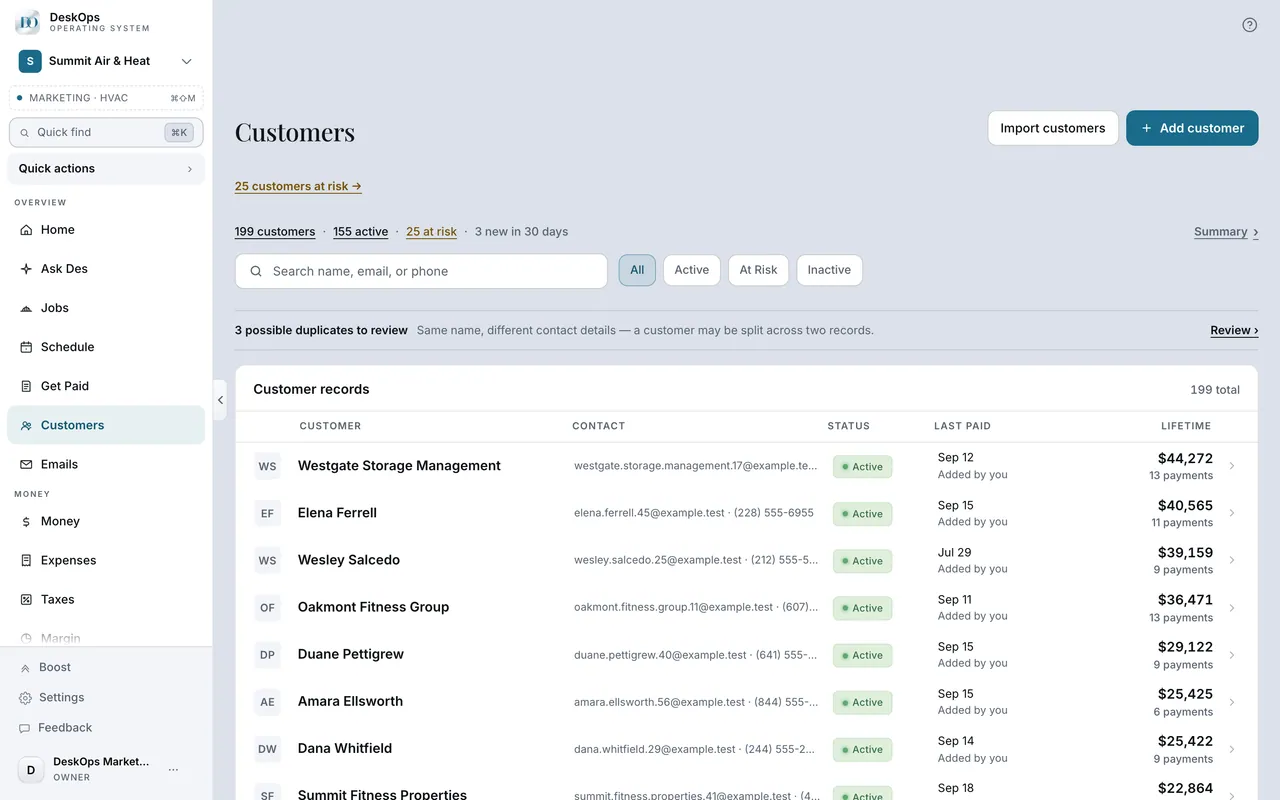 Example screen
Route 1 · On a computer
- 1Customers
- 2Open the notice at the top of the list
Route 2 · On a computer
- 1Expenses
- 2Open the "possible duplicate vendors to review" notice
Route 3 · On a computer
- 1Money in
- 2Open the warning when you log a payment that looks like one already there
On your phone: Customers → the same notice; Expenses → Needs you → the duplicate-vendors question; Money in → swipe a hand-logged row to delete it.
In Expenses
What proves it is the same purchase
The same check or reference number, the same known account, or the bank’s line text inside your books entry. Two different check numbers are always two payments.
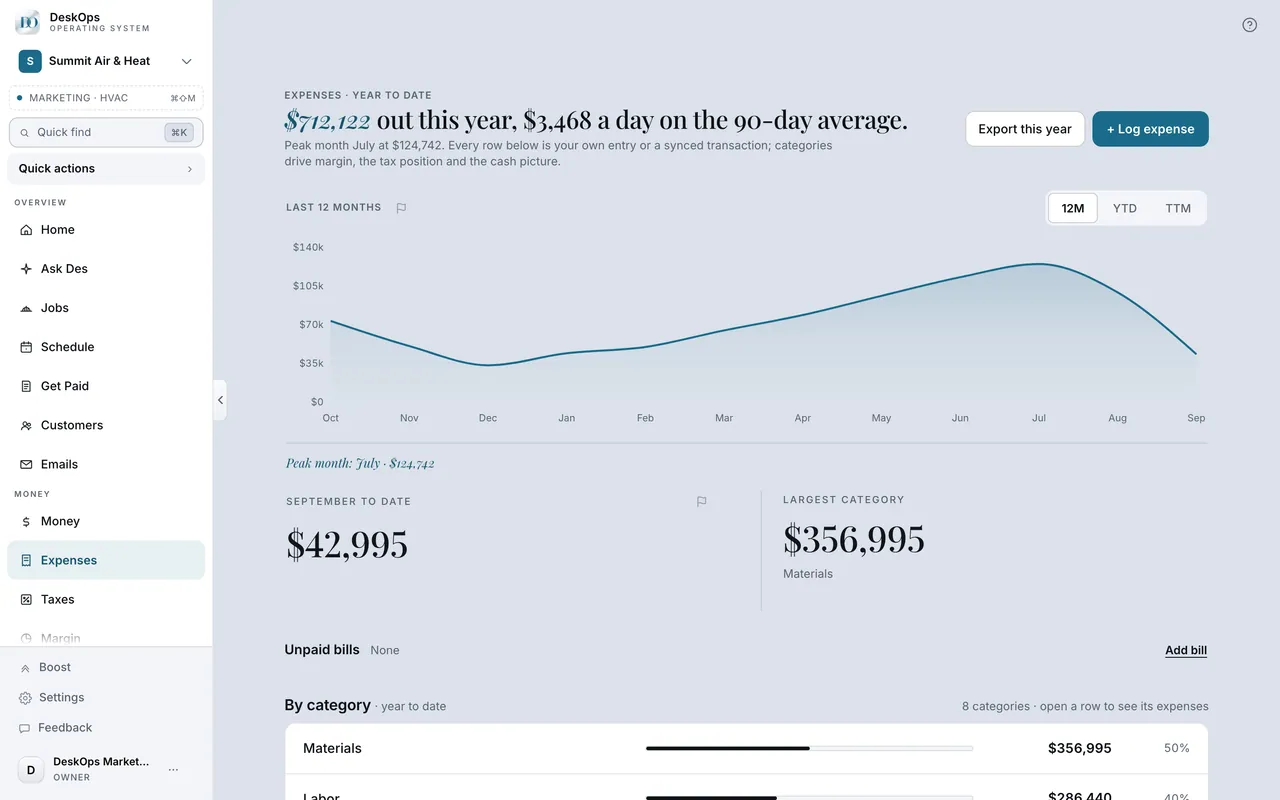 Example screen
Start here · On a computer
- 1Expenses
the "possible duplicate vendors to review" notice, when shown.
On your phone: Expenses → Needs you → the duplicate-vendors question.
Worth knowingA match by name alone is labelled “matched by name only”, never passed off as proof.
Ready to do this with your own business?
Answer the group with the most payments first; every answer has an Undo right after it.