
Bring in QuickBooks historyIn Customers
In Customers
Import payments, not invoice balances
Choose Invoices and Received Payments or Transaction List by Customer. Invoice totals and subtotals are not cash; each payment reference stays separate, and a negative refund reduces collected money.
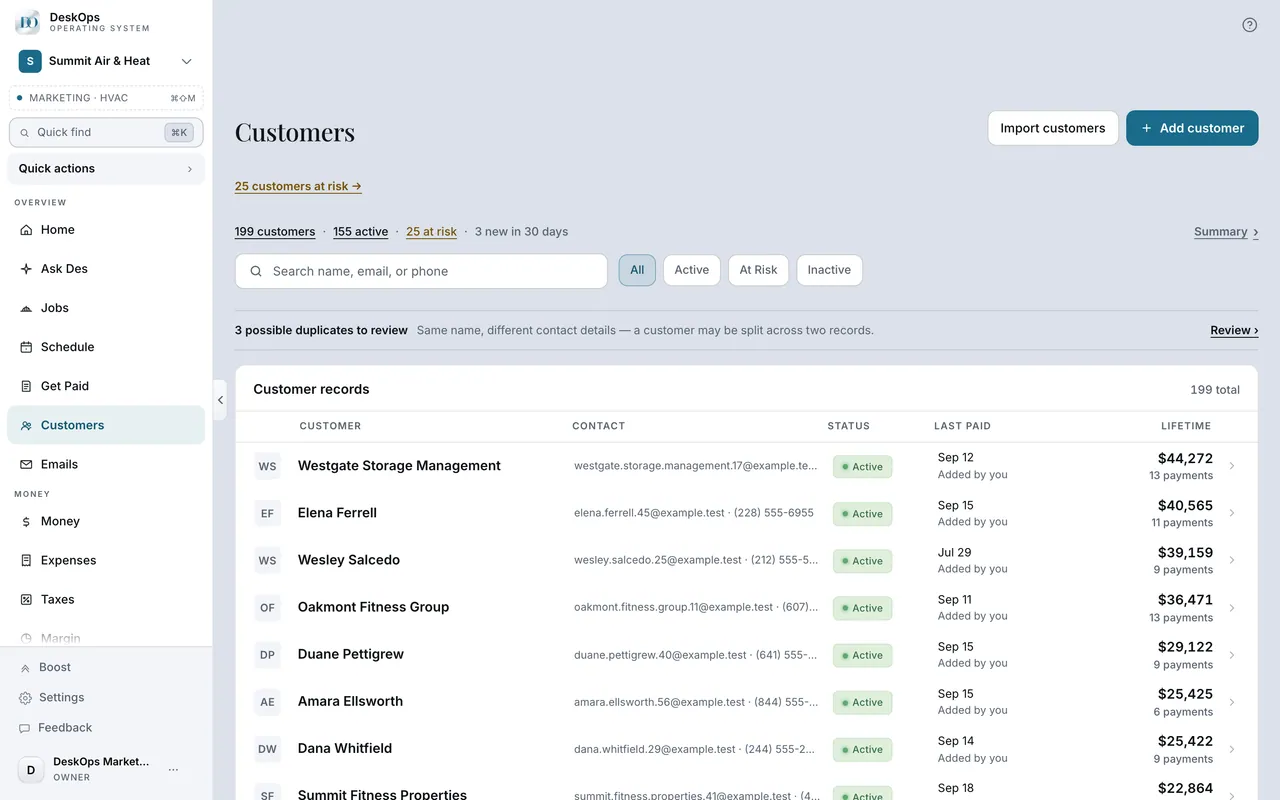 Example screen
Start here · On a computer
- 1Customers
- 2Bring in your history
choose the CSV and review the payment preview. On an empty list, use Bring in your history.
On your phone: Customers → Tools → Bring in your history → choose the CSV and review the preview. If there is no Tools button, use Bring in your history under the search box; on an empty list, use Bring in your history.
In Connections
Bring in books once through Settings
Settings also offers a one-time books import. It disconnects when finished and can be undone for seven days; held reversals are named so you can review them.
Start here · On a computer
- 1Connections
- 2Open the accounting card
then Money in and Expenses fill in.
On your phone: Connections → same card.
Want to look at your own?
Add your customers first, then review the cash preview before saving.