
Read the running tax estimateIn Taxes
In Taxes
How the estimate is worked out
Money in, minus tracked expenses, run through this year’s brackets for your entity type and state. Show the math lists every step; your CPA still files the return.
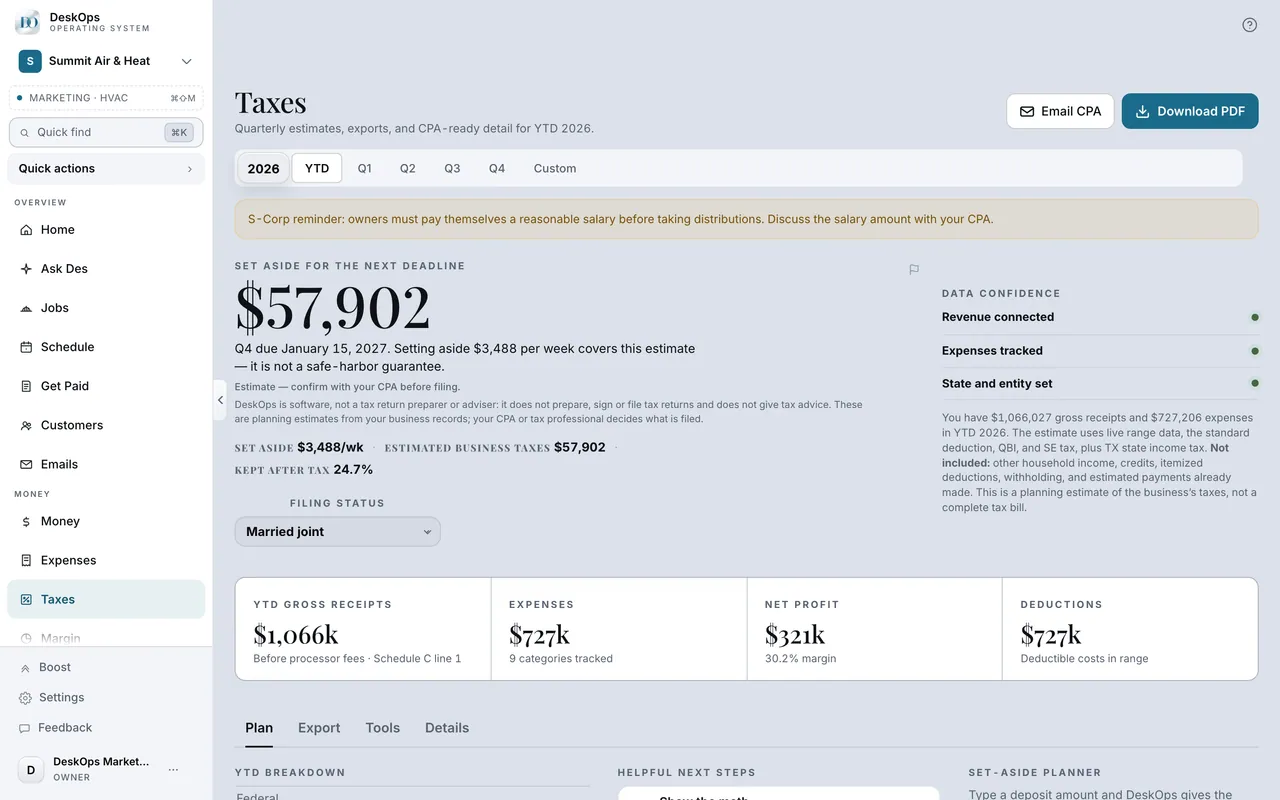 Example screen
Start here · On a computer
- 1Taxes
- 2Show the math
In Settings › Business profile
Set your entity type
Entity Type on the Business profile changes the math, so DeskOps warns you before it saves. If you elected S-corp this year, set it and watch Taxes rebuild.
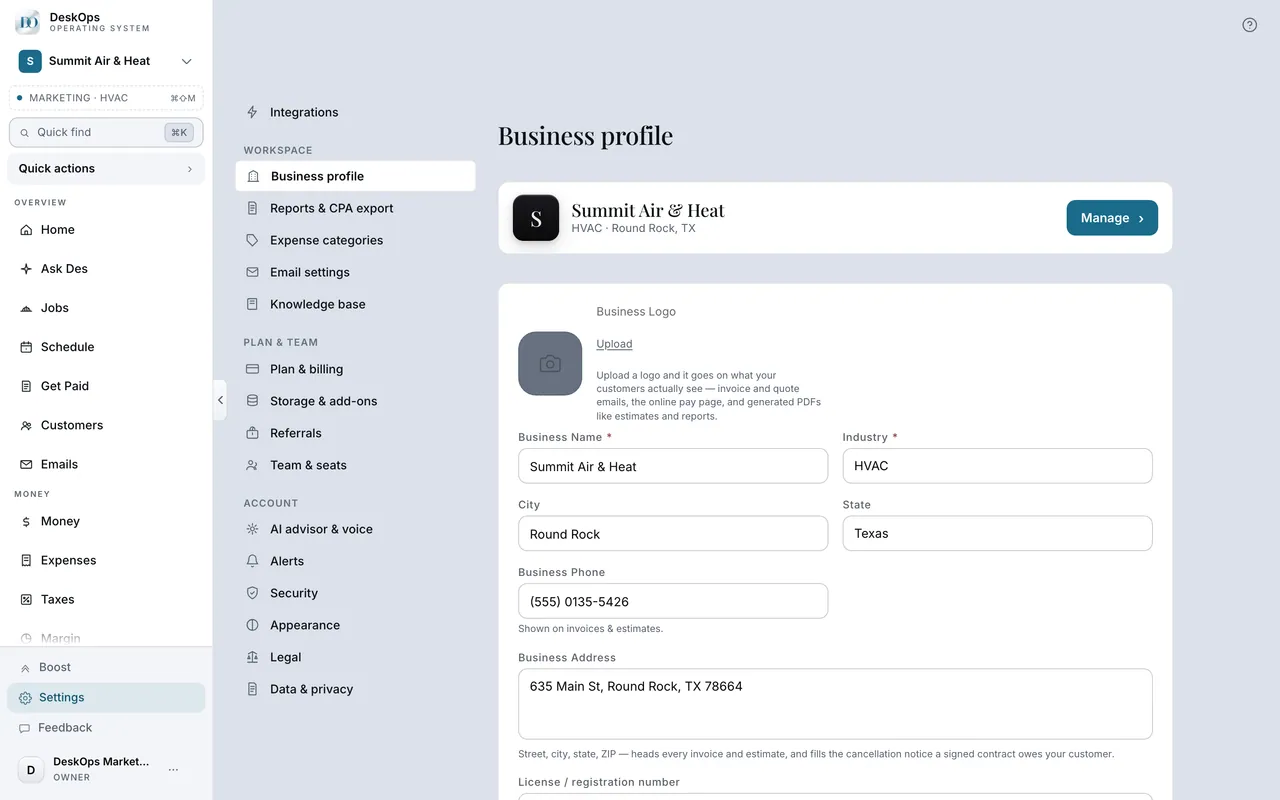 Example screen
Start here · On a computer
- 1Settings
- 2Business profile
- 3Entity Type
- 4Save Changes
On your phone: Settings → Business profile → Entity type.
In Taxes and month-end
Where your tax position lives
Taxes under Money holds the expenses, the quarterly estimate, and the packet your accountant gets. It is worth a look on the first of the month.
Example screenWhere it is · On a computer
Taxes in the sidebar under Money (owner-only).
On your phone: Taxes in the Menu tab.
Want to look at your own?
Set your entity type and state first; the estimate is only as right as those two answers.