
Licenses and insurance renewalsIn Settings
In Settings
Save it with its date
Licenses & insurance → Add one. Pick what it is, name it, type the expiry date printed on it, and add a copy of the document if you like.
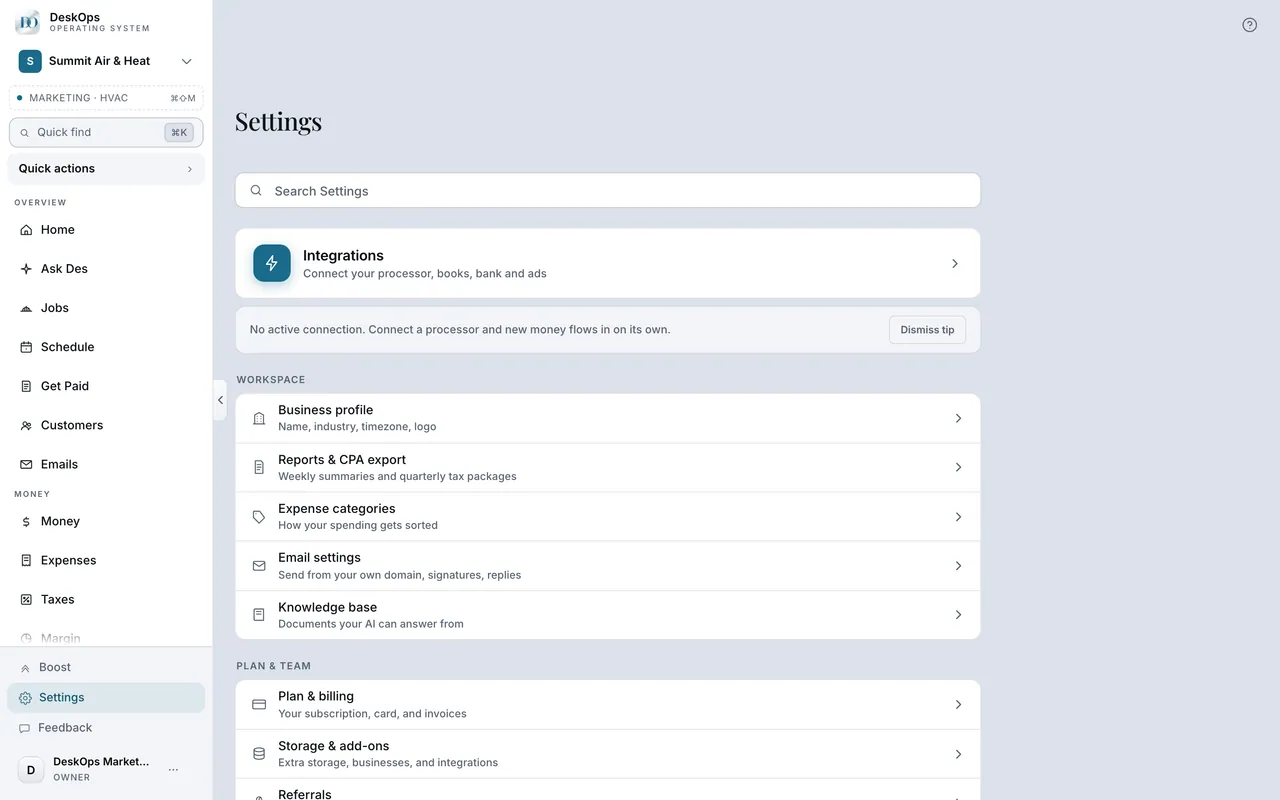 Example screen
Start here · On a computer
- 1Settings
- 2Licenses & insurance
- 3Add one
In Settings
Add the new date
Save the new expiry date. Your current document stays unless you replace it; earlier terms stay in history. Reminders follow the new date.
Example screenHow you got here
SettingsLicenses & insuranceAdd one
In Settings
DeskOps never guesses
DeskOps does not know what your trade or town requires. Every item and every date is one you saved; check requirements with whoever issues them.
Example screenStart here · On a computer
- 1Settings
- 2Licenses & insurance
Ready to do this with your own business?
Start with the two that stop work if they lapse: your contractor license and your liability policy.