
The bottom barIn On your phone
In On your phone
What is on the bar
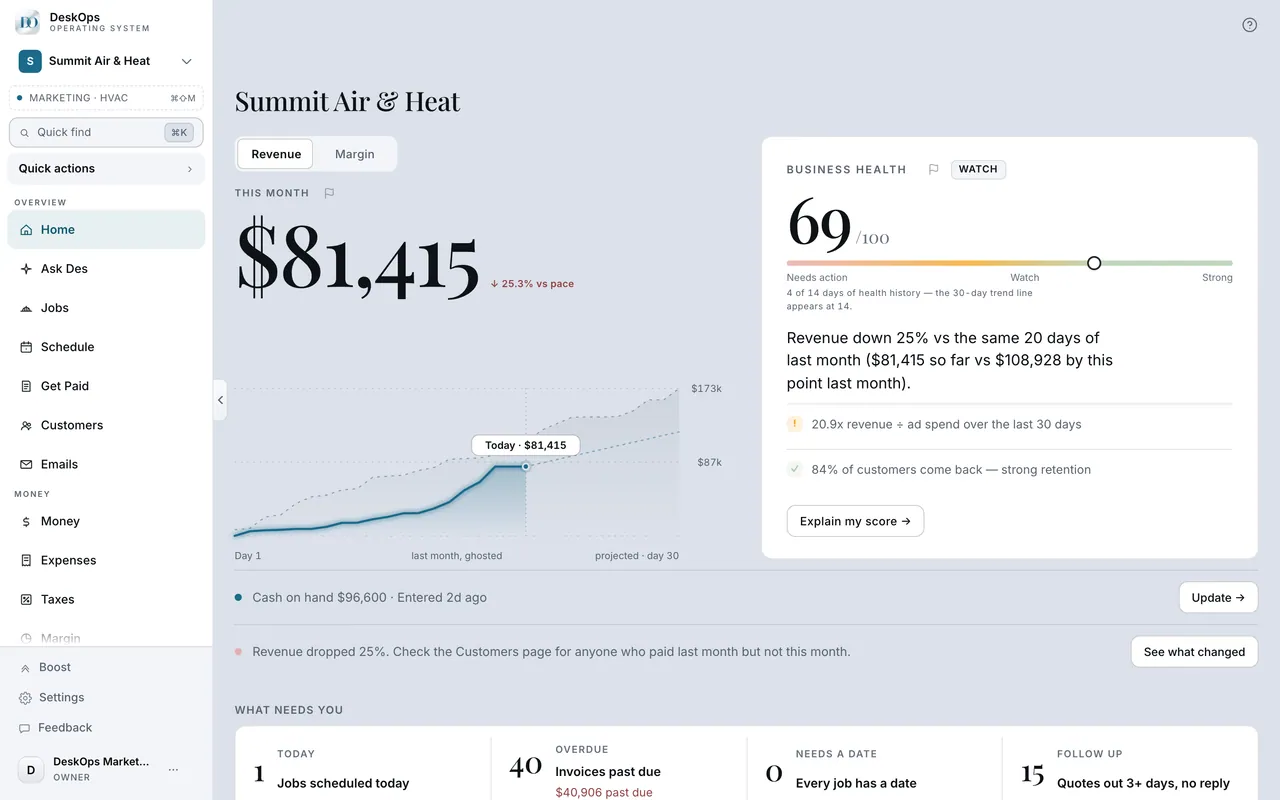
Home, Get Paid, Work, Ask Des and Menu across the bottom. + New, for an invoice, an expense or a job, sits at the top of the screen.
 Example screen
Where it is · On a computer
the sidebar on the left carries every page instead.
On your phone: the bar across the bottom — Home, Get Paid, Work, Ask Des and Menu; + New for adding something sits at the top of the screen.
In On your phone
Settings on a phone
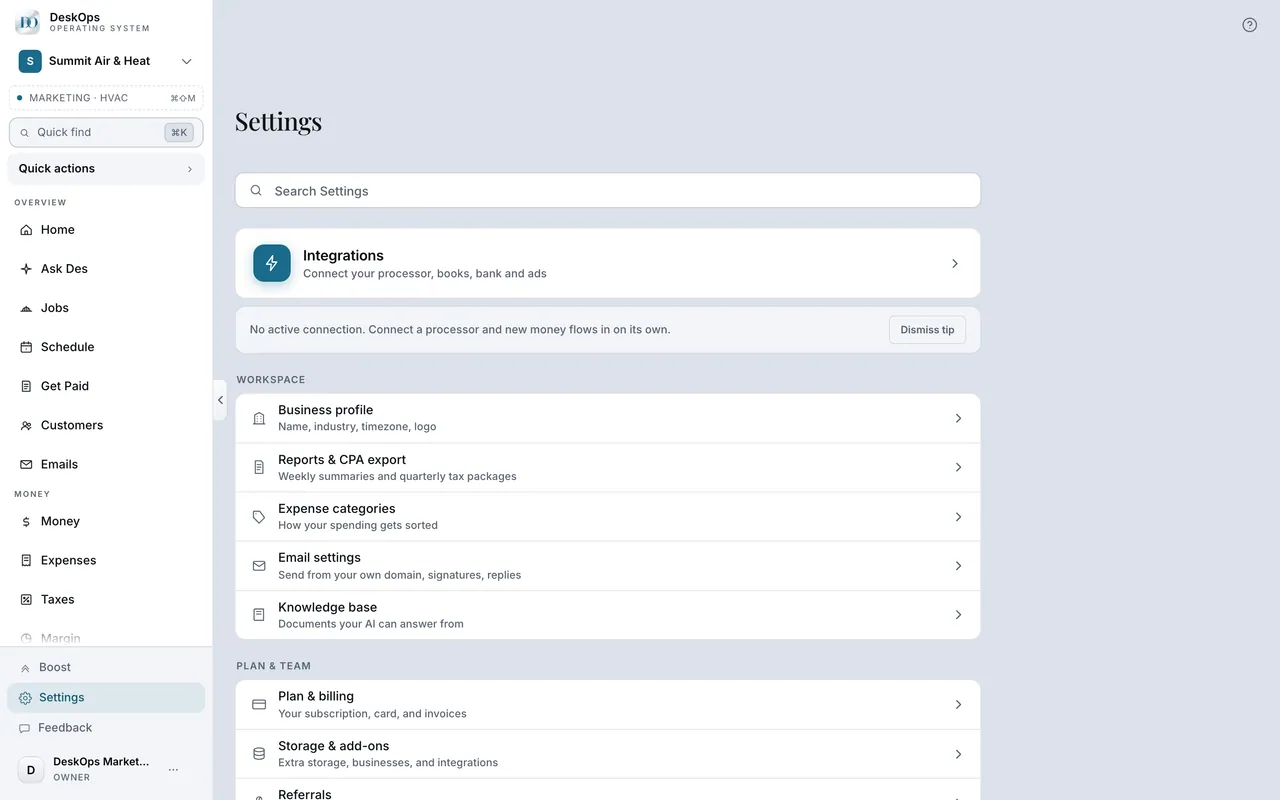
The same rows in the same three groups as on a computer, with a search box at the top. Type “EIN”, “invite” or “logo” instead of scrolling.
 Example screen
Where it is · On a computer
Settings opens as a list of rows grouped under Workspace, Plan & team and Account, with Integrations as a card above them. Click a row and it opens that screen; the back control at the top returns to the list. Deep links use ?section=, for example /settings?section=security, and the older /settings?tab=integrations and /settings#billing links still work.
On your phone: Settings opens as the same list of rows, in the same three groups, with Integrations as the same card above them. Tap a row and it pushes a full screen; the back arrow returns. There is a search box at the top of that list on phone.
Want to look at your own?