
Put it on your home screenIn On your phone
In On your phone
It installs from the browser
DeskOps runs in the browser and installs to your home screen with its own icon. There is no app store download.
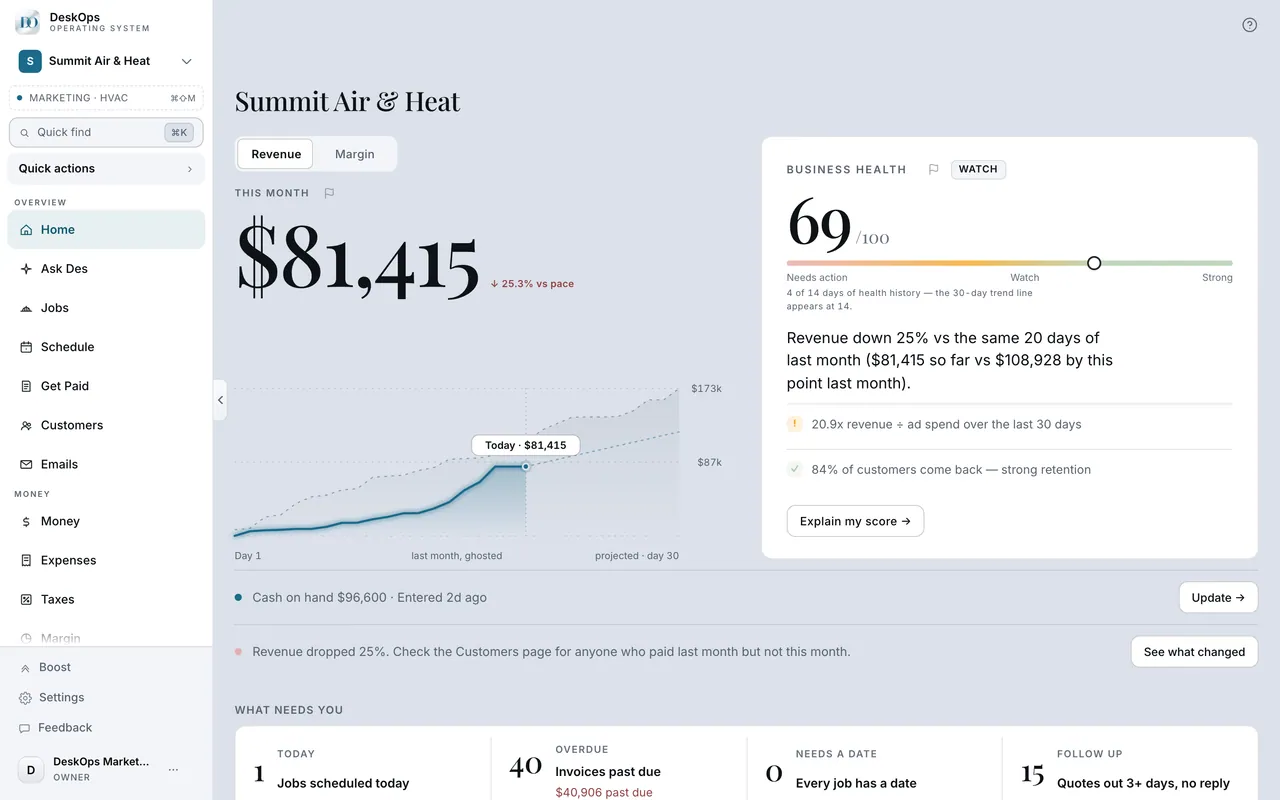 Example screen
Where it is · On a computer
not needed — on a computer, DeskOps is the website at ops.intelliflowcommunications.com.
On your phone: open ops.intelliflowcommunications.com in Safari or Chrome and add it to your home screen.
In the Add to Home Screen bar on Home
Add it to your home screen
On the phone, Home shows an Add to Home Screen bar. Show me how walks through the taps for your kind of phone; after that, DeskOps opens from its icon.
Example screenWhere it is · On a computer
not available on a computer — this is a phone step.
On your phone: the Add to Home Screen bar on Home → Show me how walks you through it for your phone.
Ready to do this with your own business?
Install it on the phone you carry, then open DeskOps from the icon.