
Give the crew their dayIn Jobs and the schedule
In Jobs and the schedule
What a technician sees
My Jobs shows a technician their next stop, the address, and two buttons: On my way and Done. They never see the money pages.
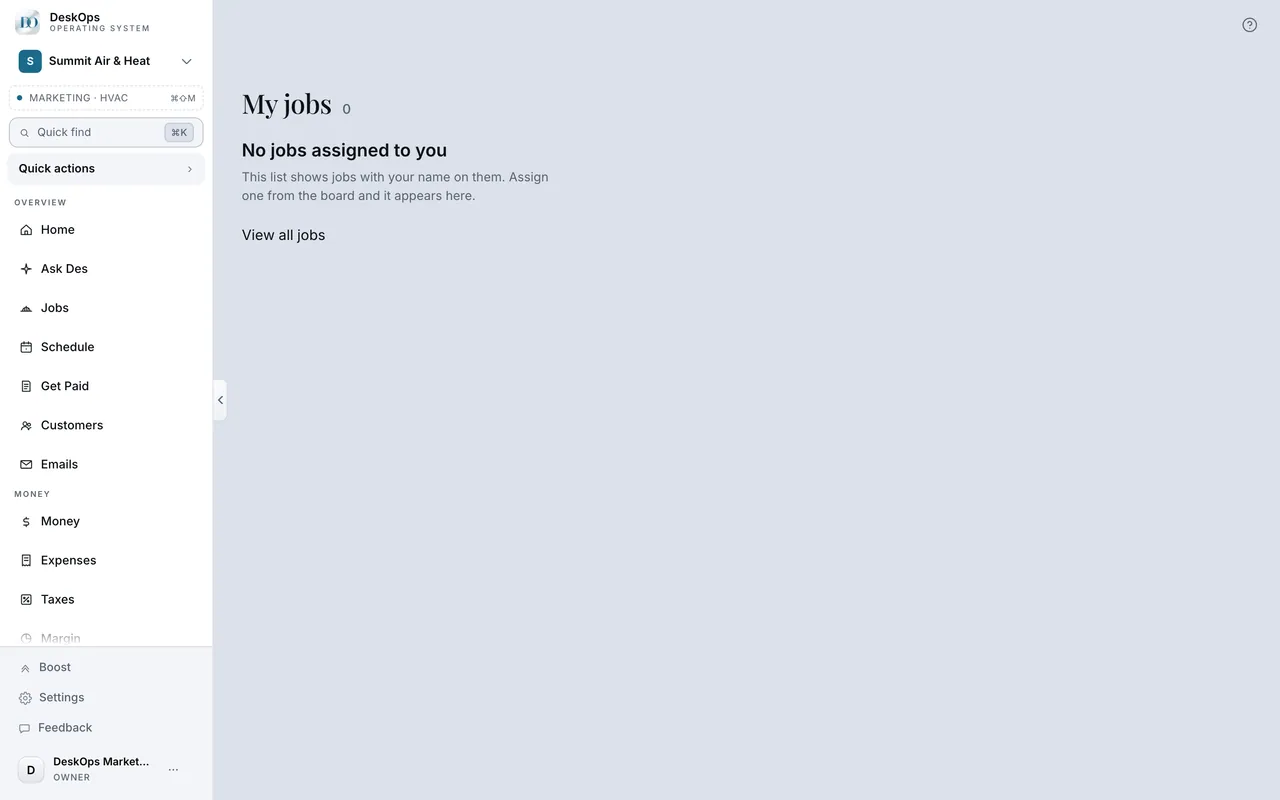 Example screen
Where it is · On a computer
My Jobs in the sidebar — shown to field seats (Technician, 1099 Contractor, Marketer, Partner) instead of the full board.
On your phone: My Jobs on the bottom rail — a field seat's rail is My Jobs, Schedule and Ask Des.
In Schedule
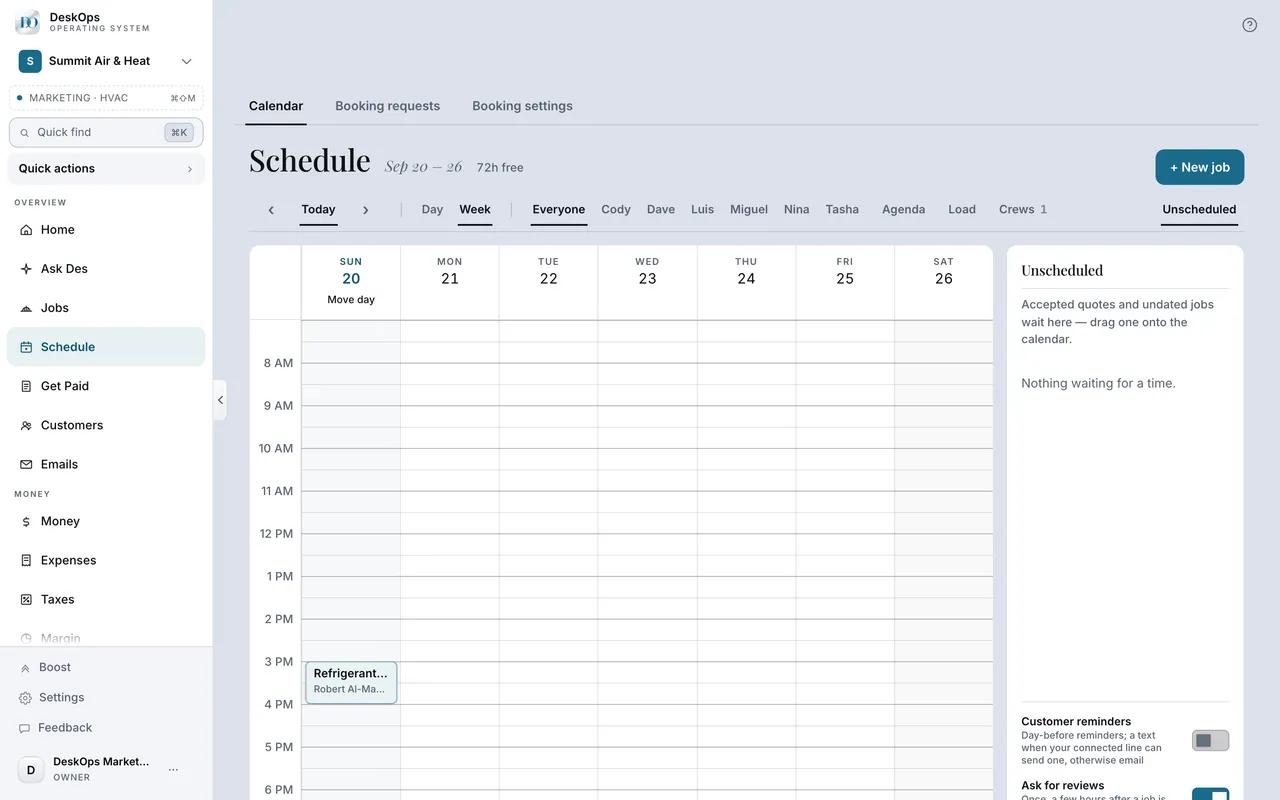
What On my way sends
A message that the crew is coming, with the arrival estimate they pick and a page the customer can watch. It goes only when the button is pressed.
 Example screen
Start here · On a computer
- 1Schedule
- 2open the visit
- 3On my way
On your phone: My Jobs → On my way on the next stop.
In Team
Log hours against a job
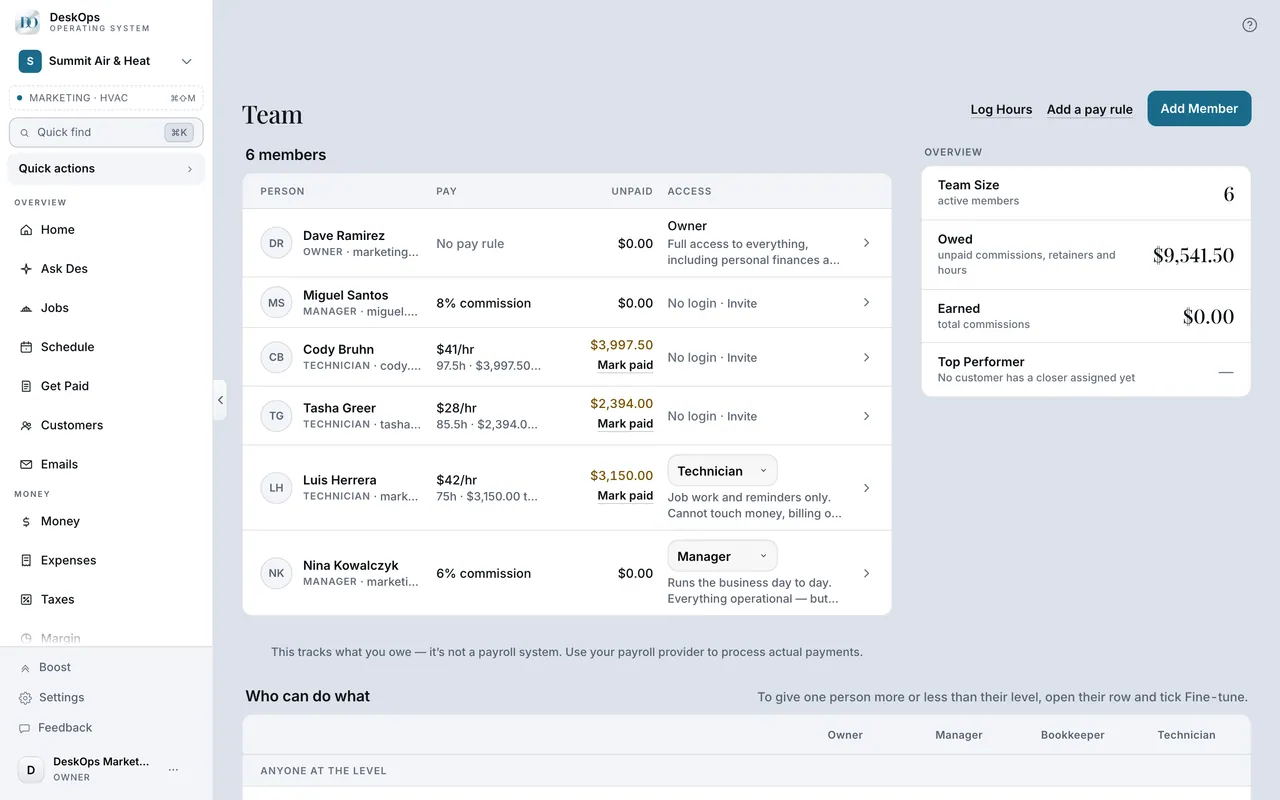
Team → Log Hours records the person, the date, the hours and the job they were on. Labour logged against a job becomes part of that job’s cost.
 Example screen
Start here · On a computer
- 1Team
- 2Log Hours
pick the person, the date, the hours and, if you like, the job they were on.
On your phone: Team → Log hours.
Worth knowingLog hours the same day; labour is the cost everyone forgets to attach.
Want to look at your own?
Invite the crew as Technicians and stop texting addresses.