
Skip or cancel a plan visitIn Schedule
In Schedule
Skip one visit
Open the visit and press Skip this visit. That day comes off the board, the customer is not messaged, the bill does not change, and the plan carries on.
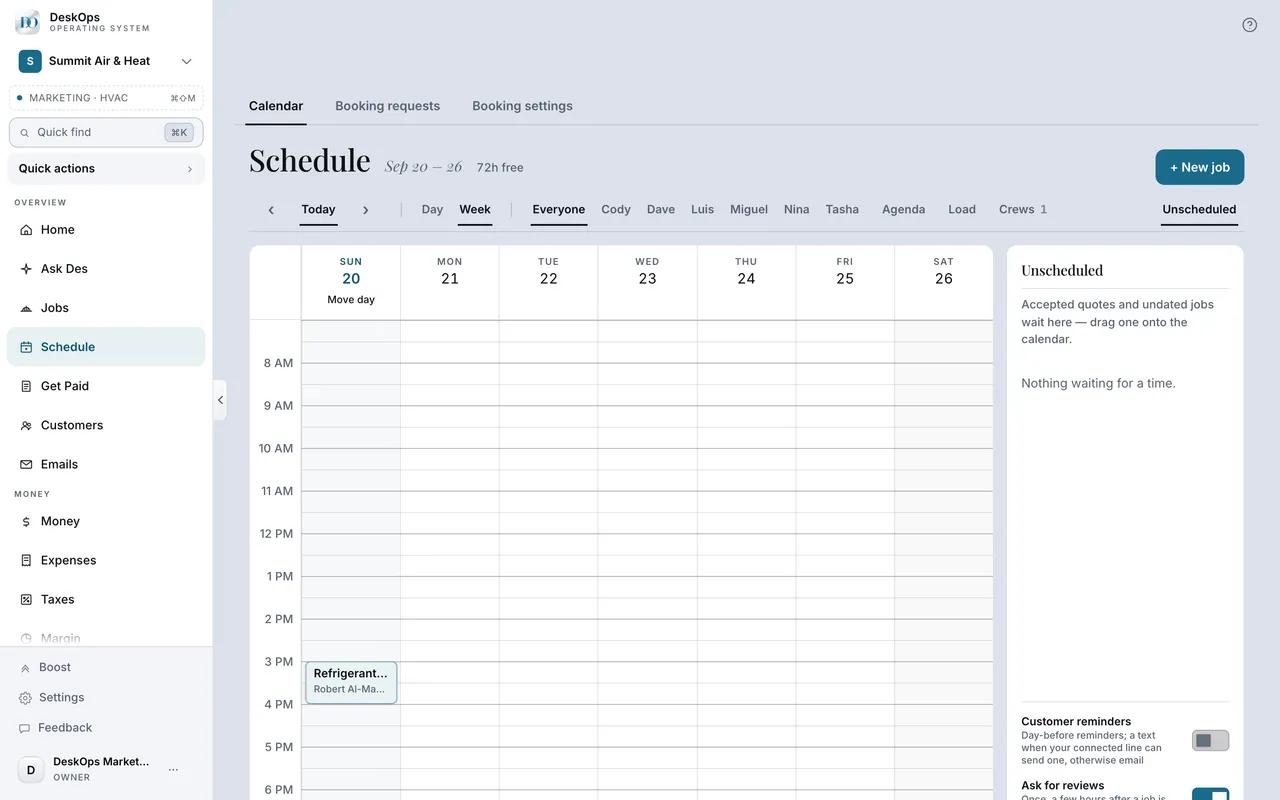 Example screen
Start here · On a computer
- 1Schedule
- 2open the visit
- 3Skip this visit
On your phone: Schedule → the visit → Skip this visit.
In Get Paid
What the customer gets when you cancel
Cancelling an invoice they already had sends an invoice-cancelled note; cancelling a plan sends a written confirmation. Both go from your business name.
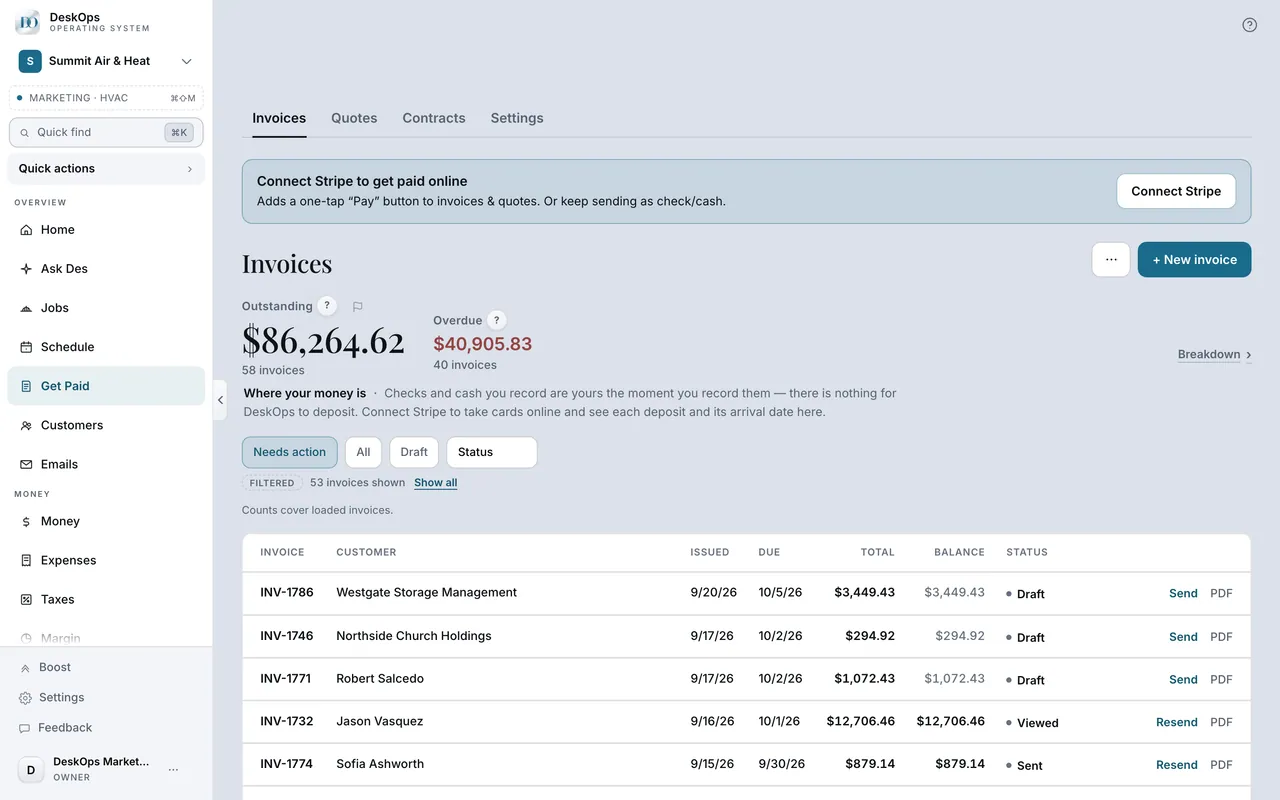 Example screen
Start here · On a computer
- 1Get Paid
the invoice or the plan.
On your phone: Get Paid, same.
Ready to do this with your own business?
Skip a single visit; cancel only when the plan itself is ending.