
Turn a work order into an invoiceIn Get Paid › Invoices
In Get Paid › Invoices
Scan the work order
Scan work order on the new-invoice screen reads a photo or PDF and fills in the customer, the address and the work. Or send the photo to Des and ask it to build the invoice.
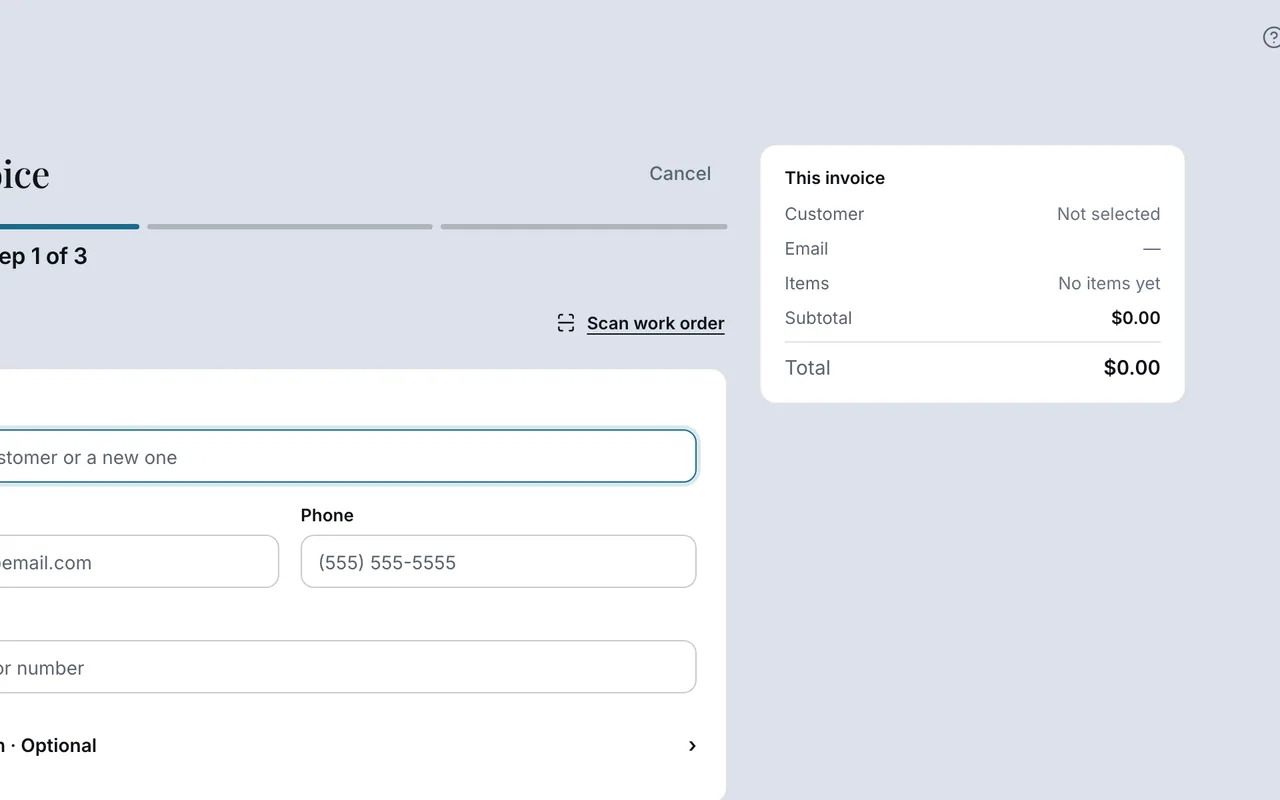 Example screen
Start here · On a computer
- 1Get Paid
- 2Invoices
- 3scan a work order
or send the photo to Des and ask it to build the invoice.
On your phone: same two routes; on a phone the camera path is usually faster.
Worth knowingOn a phone the camera route is usually faster; check every line against the paper before you send.
Ready to do this with your own business?
Check the customer, the work and the amounts against the photo before sending.