
Record a cash or check paymentIn Get Paid › open the invoice
In Get Paid › open the invoice
Mark the invoice paid
Open the invoice and press Mark paid, then pick cash, check or other and the amount. The invoice leaves the unpaid list and the reminders stop.
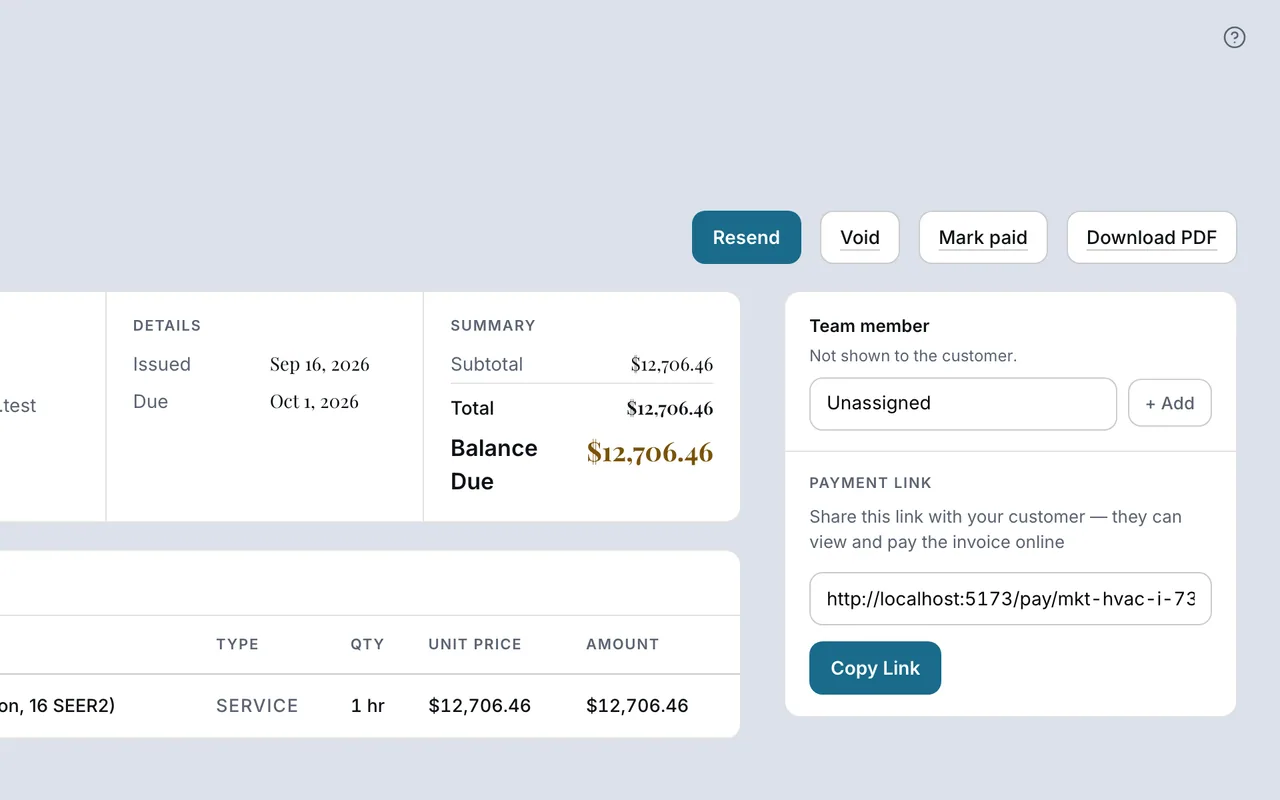 Example screen
Start here · On a computer
- 1Get Paid
- 2open the invoice
- 3Mark paid
then pick cash, check or other and the amount.
On your phone: Get Paid → the invoice → Mark paid.
In Money
Log money that had no invoice
Money → Log a payment records cash that never had an invoice behind it. When there is an invoice, mark it paid there instead so the customer’s record stays straight.
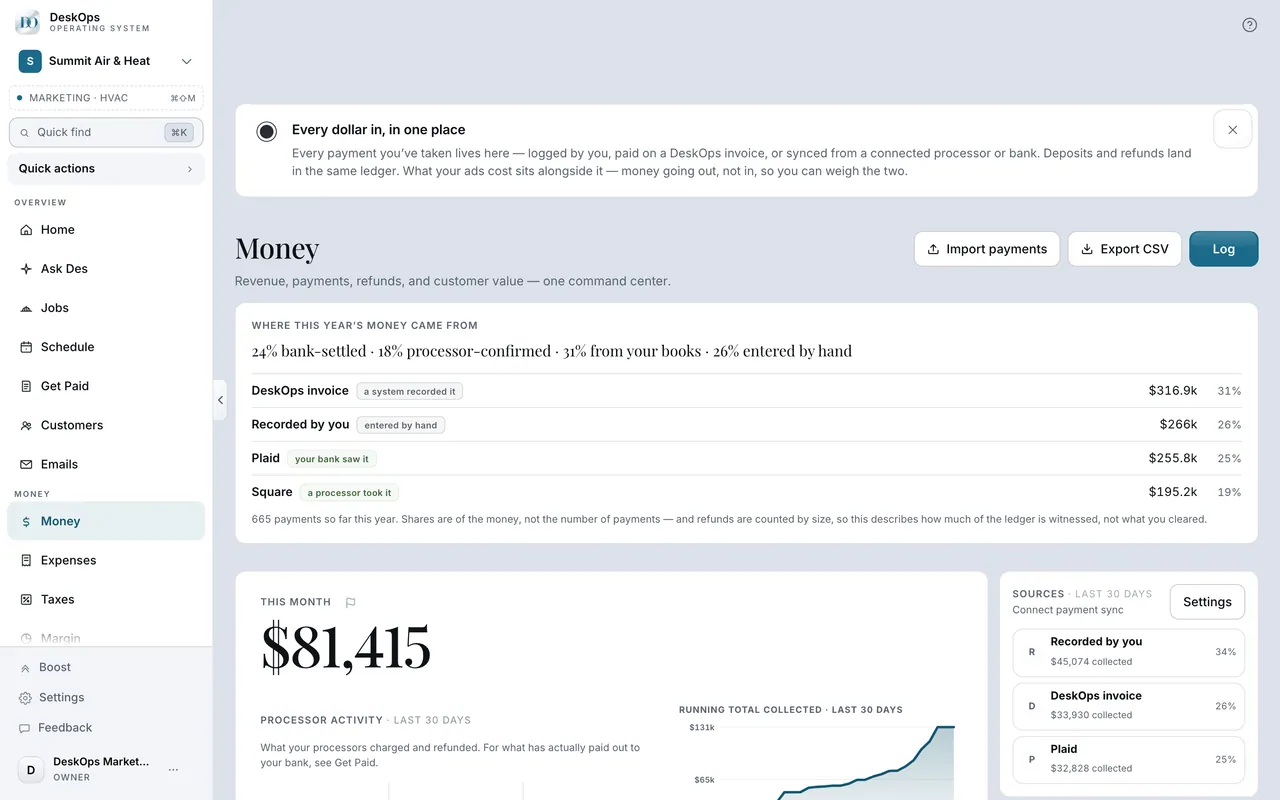 Example screen
Start here · On a computer
- 1Money
- 2Log a payment
On your phone: Money → Log payment, in the Sources header. There is also a Log a payment button in the empty state and at the bottom of the ledger.
Ready to do this with your own business?
Mark it the day the money arrives; there is an undo if you slip.