
Find a bank depositIn Get Paid
In Get Paid
Read the next deposit
The top of Get Paid shows the next deposit, the day it lands, and every past payout with its fees, once a processor is connected.
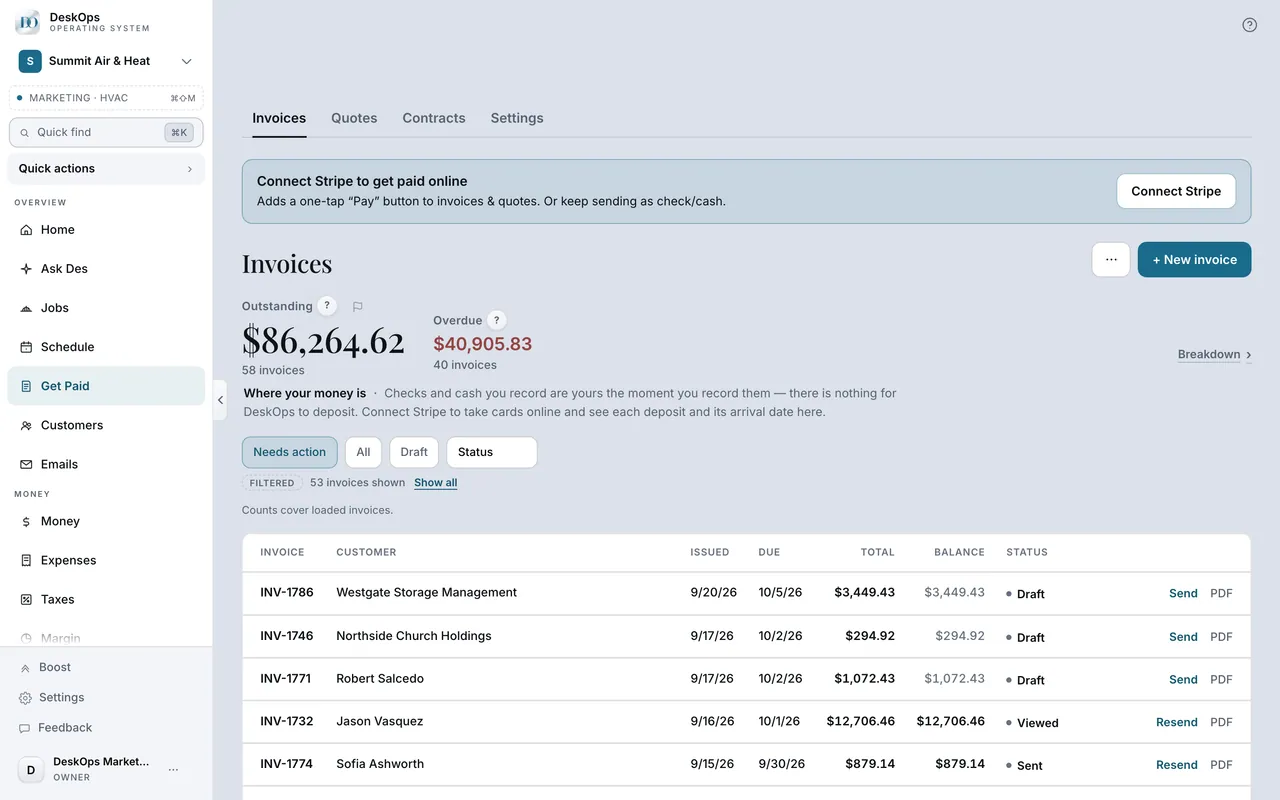 Example screen
Start here · On a computer
- 1Get Paid
- 2the Money panel at the top of the page
On your phone: Get Paid → the same panel above the invoice list.
In Getting paid
See what came in today or this month
Money shows every dollar in, by day. Home shows the month at a glance; the two read the same records.
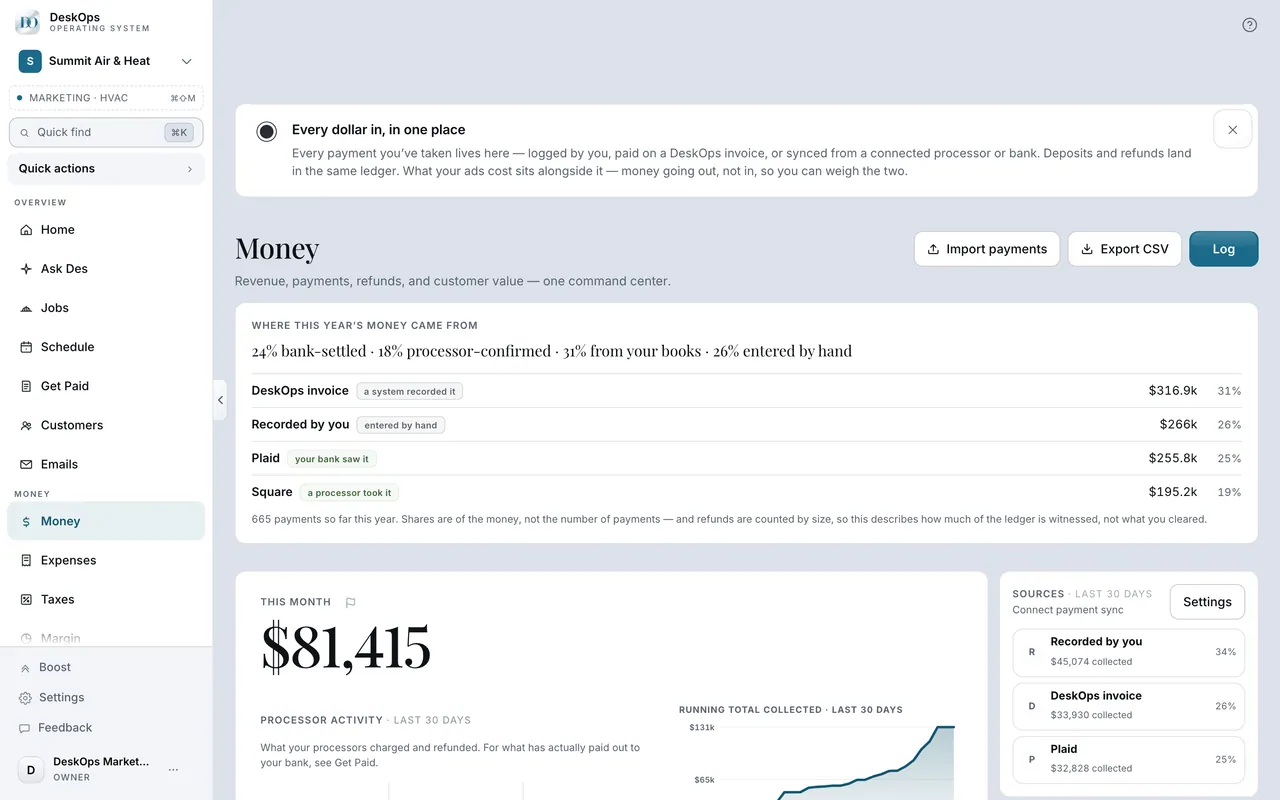 Example screen
Where it is · On a computer
Money. Home also shows month-to-date at a glance.
On your phone: Money in the Menu tab, Home for the glance view.
Want to look at your own?
Read the next-deposit line before you open your bank app.