
Documents and the tools for your tradeIn Ask Des
In Ask Des
The tools next to the message box
The wrench next to the message box holds the documents, photo reading and the tools chosen for your trade.
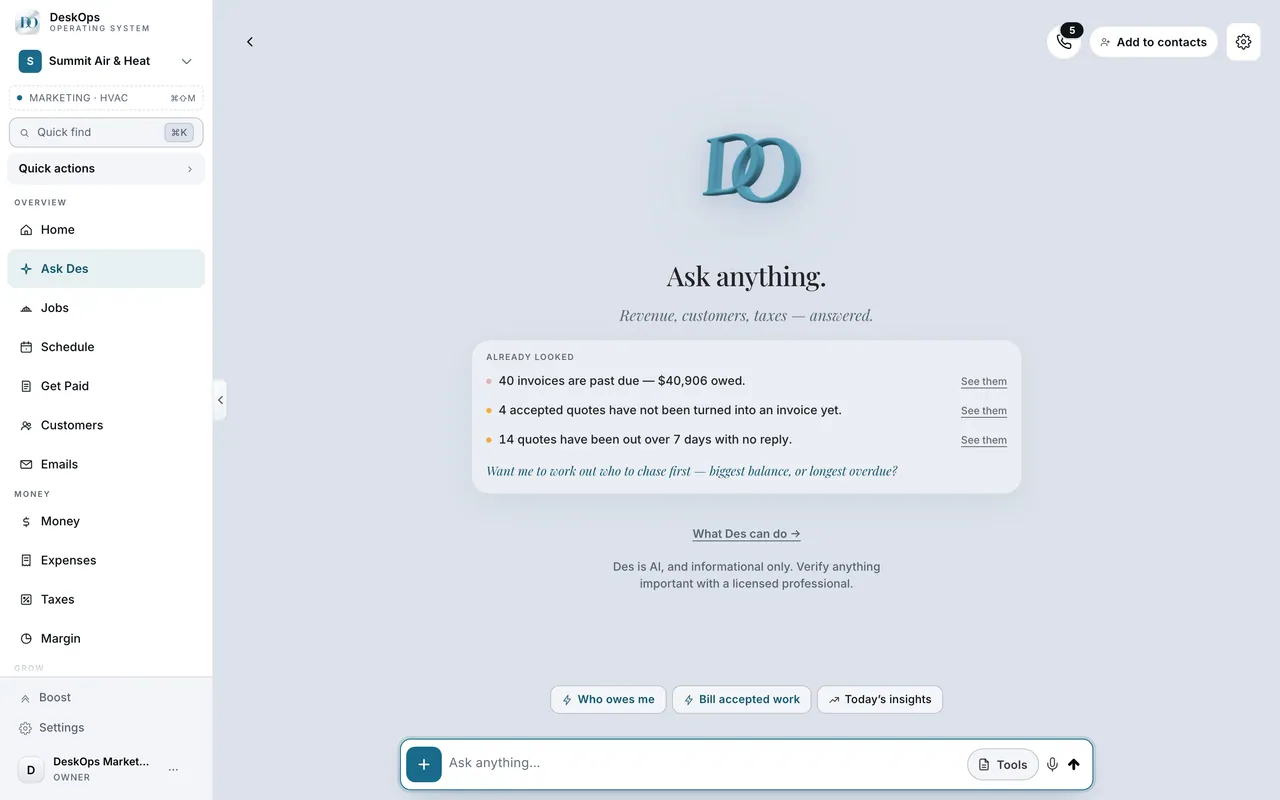 Example screen
Start here · On a computer
- 1Ask Des
- 2the wrench icon next to the message box
On your phone: the same wrench on the Ask Des screen.
In Ask Des in the sidebar
What documents it makes
Proposals, scopes, letters and summaries, as PDF or Word, chosen for the trade on your profile. If the list looks like the wrong trade, fix the industry on your profile.
Example screenStart here · On a computer
- 1Ask Des in the sidebar
- 2the Tools drawer
On your phone: Ask Des on the bottom rail → the Tools drawer.
In Ask Des in the sidebar
They use your real details
Your name, address, logo and figures are already on the page. If something is missing, the tool asks rather than guessing.
Example screenStart here · On a computer
- 1Ask Des in the sidebar
- 2the Tools drawer
On your phone: Ask Des on the bottom rail → the Tools drawer.
Want to look at your own?
Upload your logo before the first proposal.