
Merge two records for one personIn Customers
In Customers
Answer the “same person?” notice
When two records look like one person, a notice at the top of Customers asks. Say “same person” and their payments move onto one record.
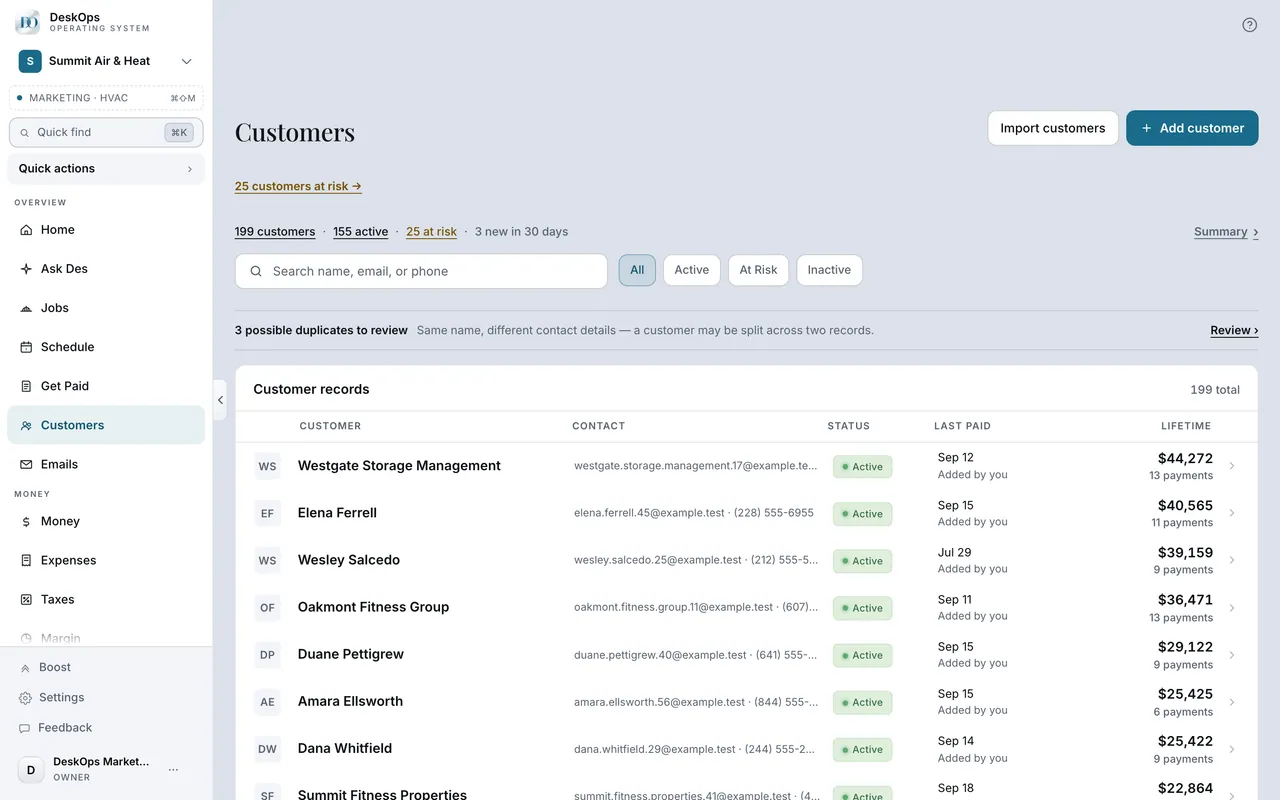 Example screen
Start here · On a computer
- 1Customers
the notice at the top of the list, shown only when DeskOps has found a pair worth asking about. Suppliers: Expenses, then Review duplicates.
On your phone: Customers → the same notice.
Ready to do this with your own business?
Answer the notice when it appears; DeskOps will not guess for you.